
50/30/20 Spend Tracker
Know exactly where your money should go — and where it actually goes. Text spends and watch your Needs / Wants / Savings split against the classic 50/30/20 targets.
✅ Texts you can send
📊 What it tracks
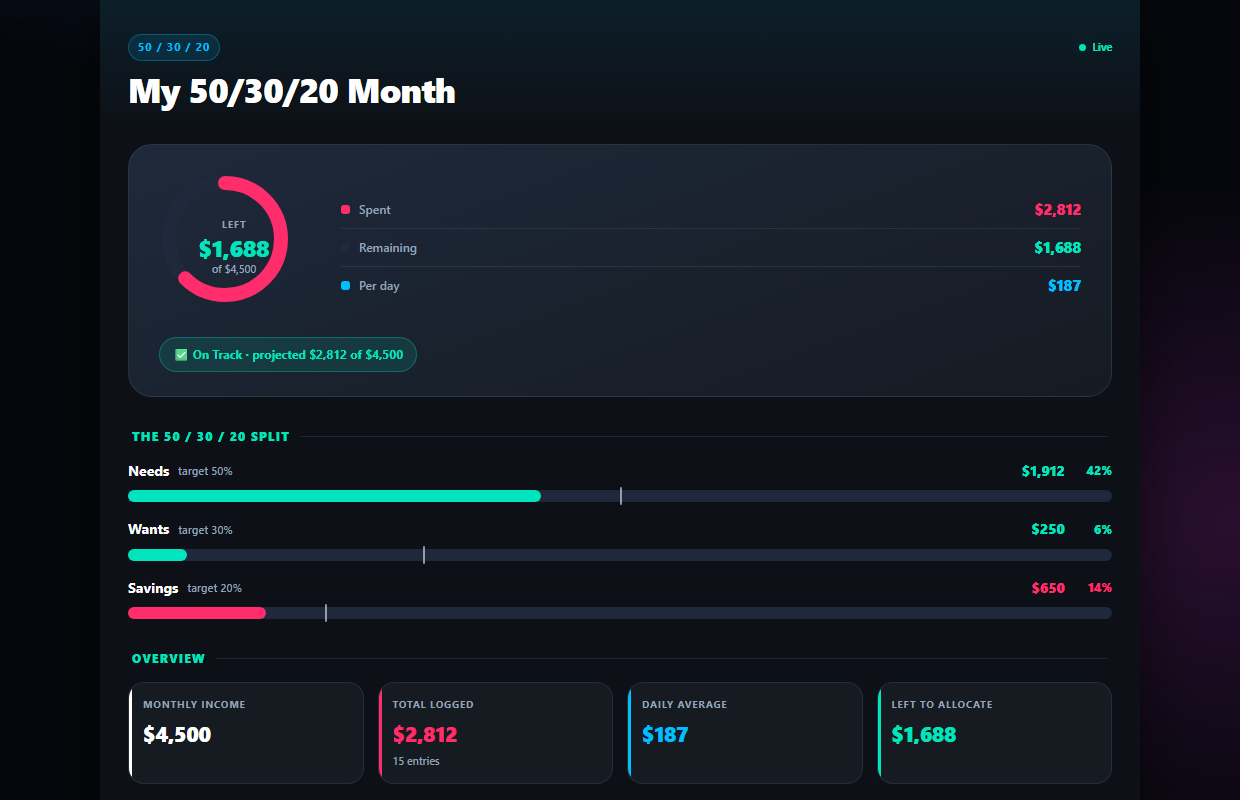
Needs, Wants & Savings — split for you
Enter your monthly income once. Every spend you text gets sorted into Needs, Wants, or Savings and measured against the classic 50/30/20 targets.
- ✓Live split vs your 50 / 30 / 20 targets
- ✓AI decides Needs vs Wants from your message
- ✓See exactly how much is left to allocate
"groceries $80" is a complete entry
No forms, no dropdowns, no end-of-month catch-up session. If you can send a text, you can keep a budget.
- ✓Amount, category & bucket extracted automatically
- ✓Works from WhatsApp, SMS, or Telegram
- ✓Fix any entry right on the dashboard
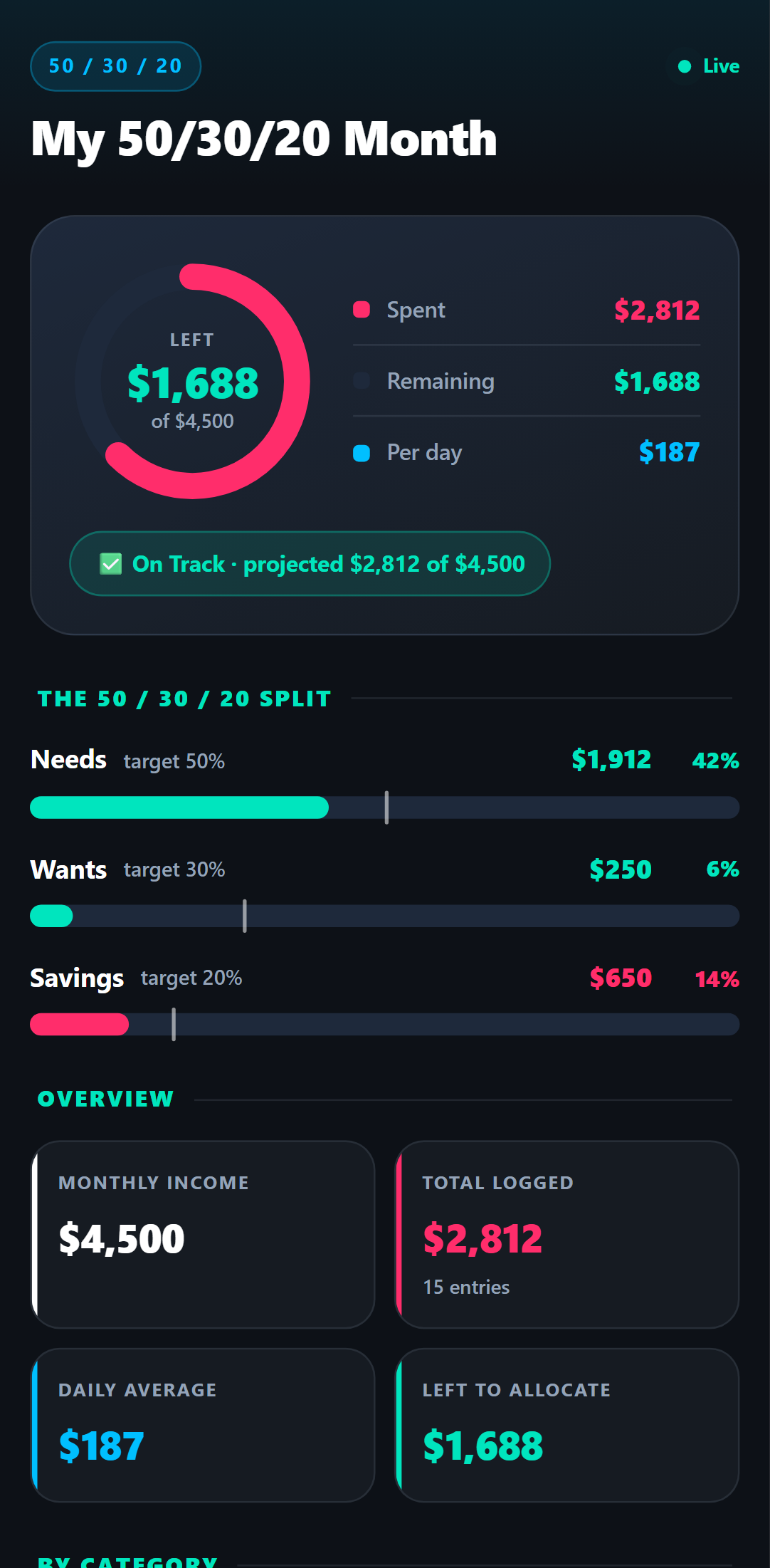
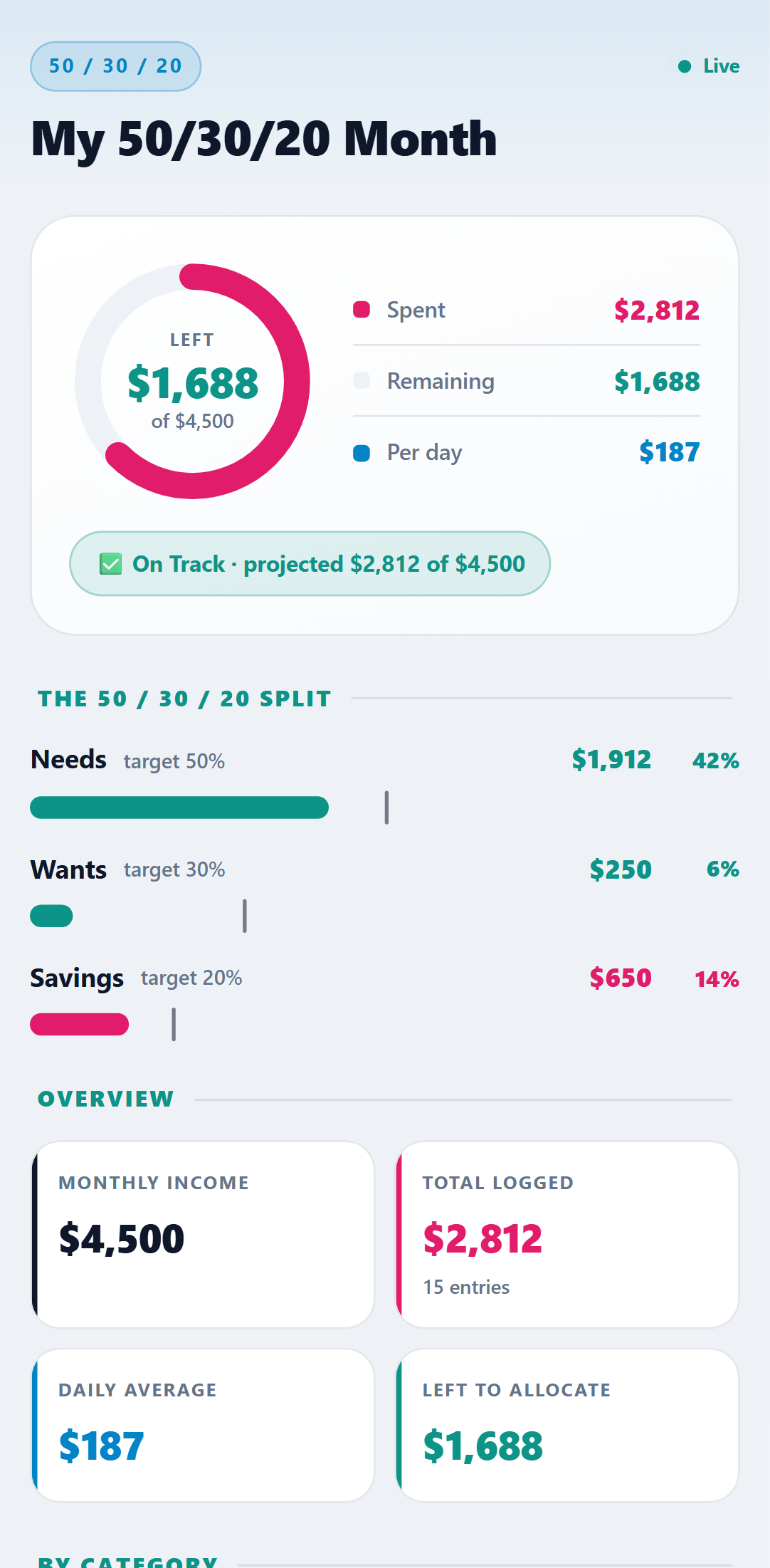
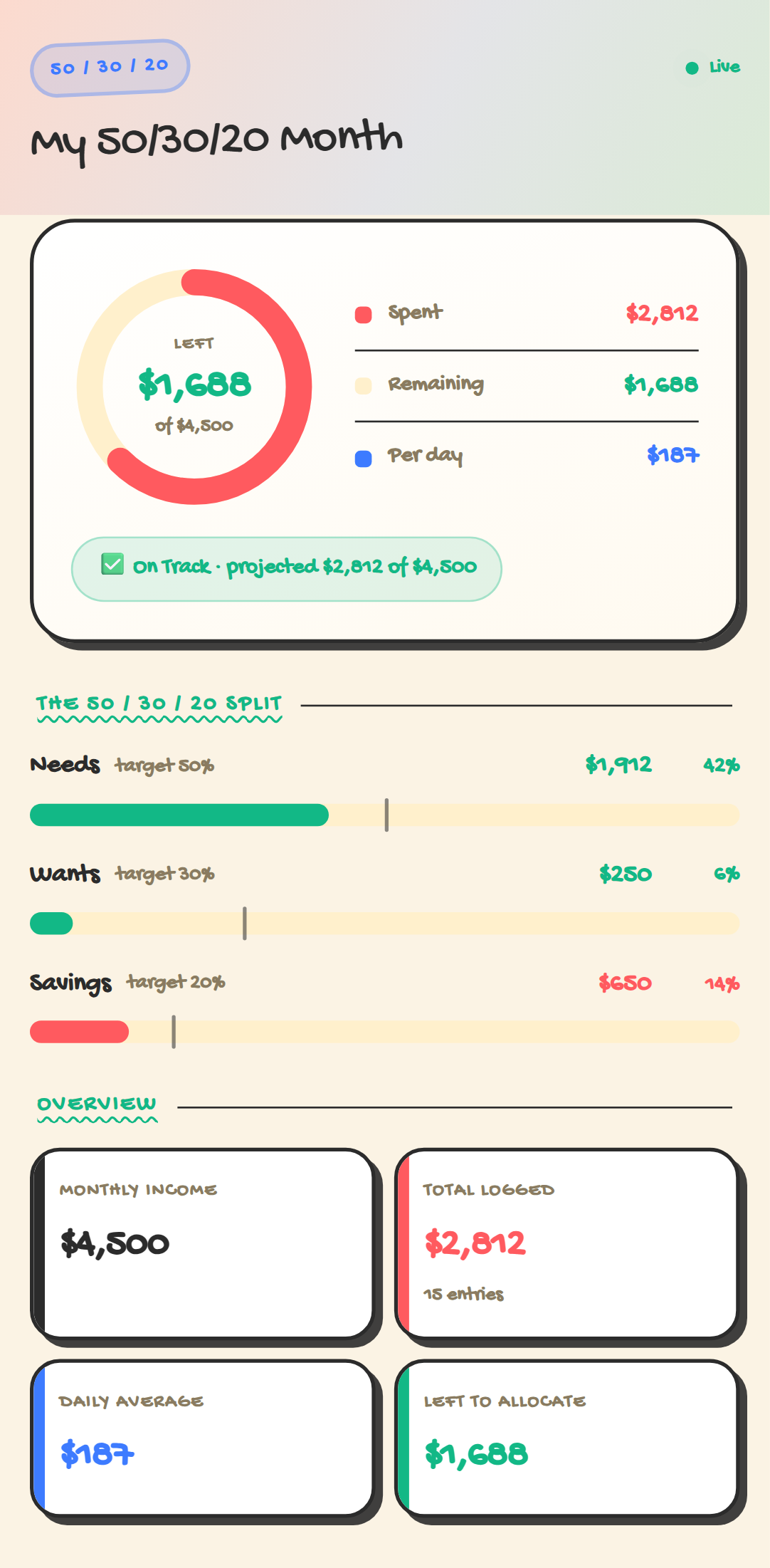
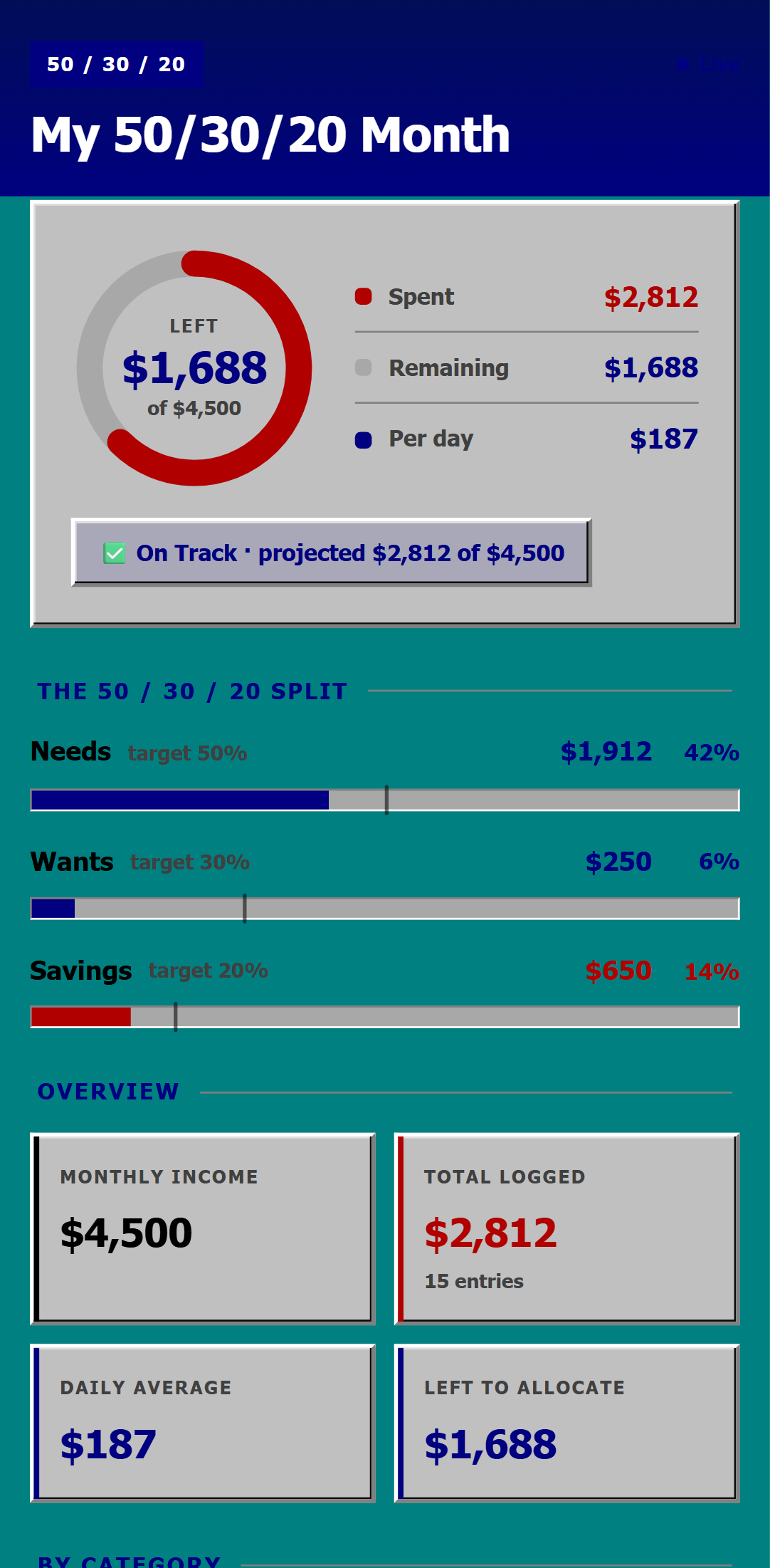
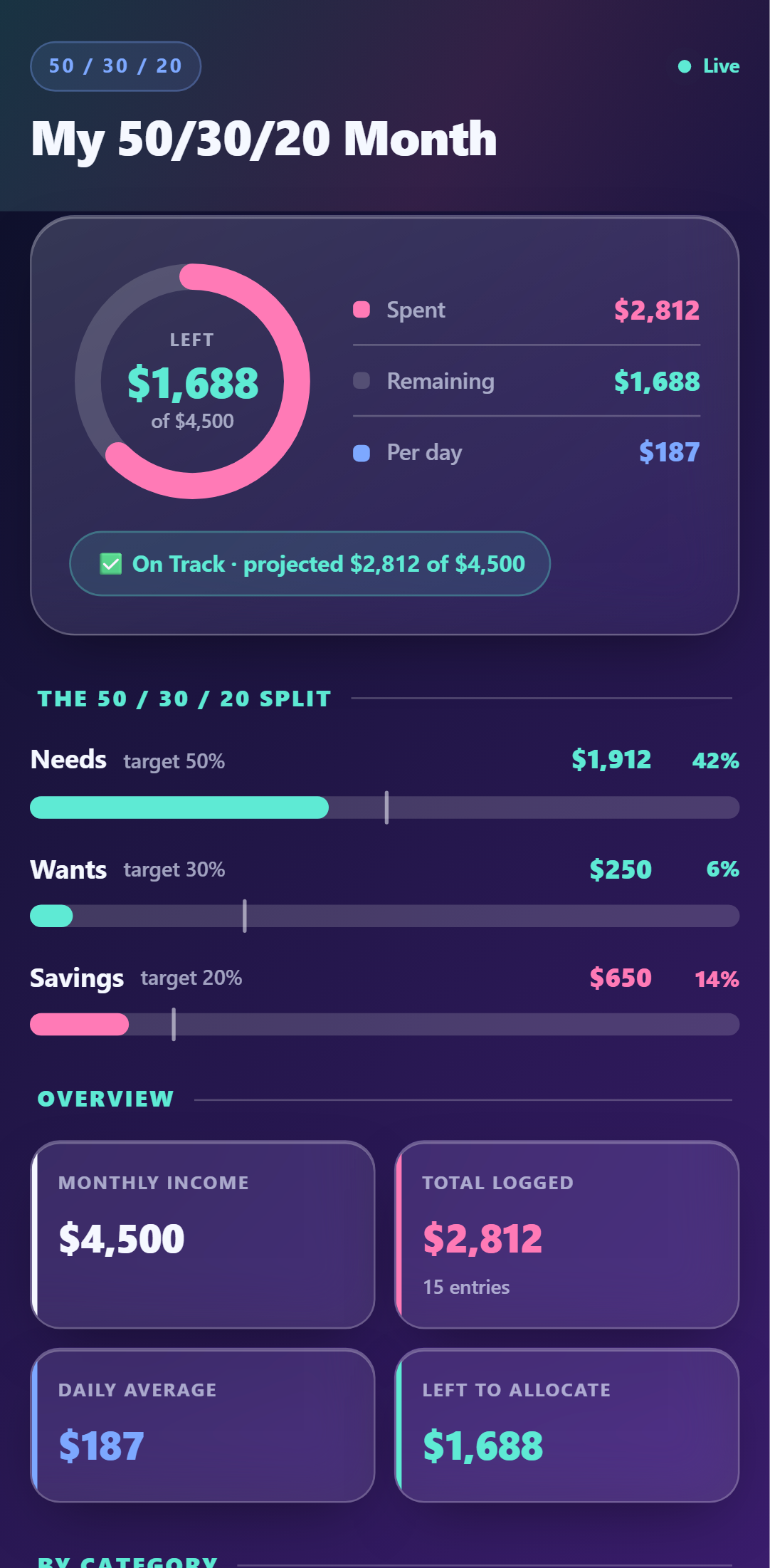
One dashboard. Five looks.
Every theme included with the template — switch anytime. Crayon, Retro 95 & Glass come with Pro.
Setup Guide
1. Add it to your account
Click 'Add to My Account' below, name your tracker, and enter your monthly income. A live dashboard is created instantly — no spreadsheet.
2. Link your phone
Connect your WhatsApp, SMS, or Telegram number and reply Y to the verification text.
3. Text your spends
Log naturally: 'Groceries $90', 'Concert ticket $120', 'Moved $500 into savings'. The AI sorts each into Needs, Wants, or Savings and a category.
4. Watch your 50/30/20 split
Your dashboard shows each bucket against its target (Needs 50% · Wants 30% · Savings 20%), so you can see at a glance if you're on plan.
Try it right now
Send one message from your own phone and watch it appear on a live 50/30/20 Spend Tracker — the real thing, not a screenshot.