
Simple Expense Tracker
Track coffee, transport, and quick spends by text. Watch a live dashboard of where your money goes — no spreadsheet.
✅ Texts you can send
📊 What it tracks
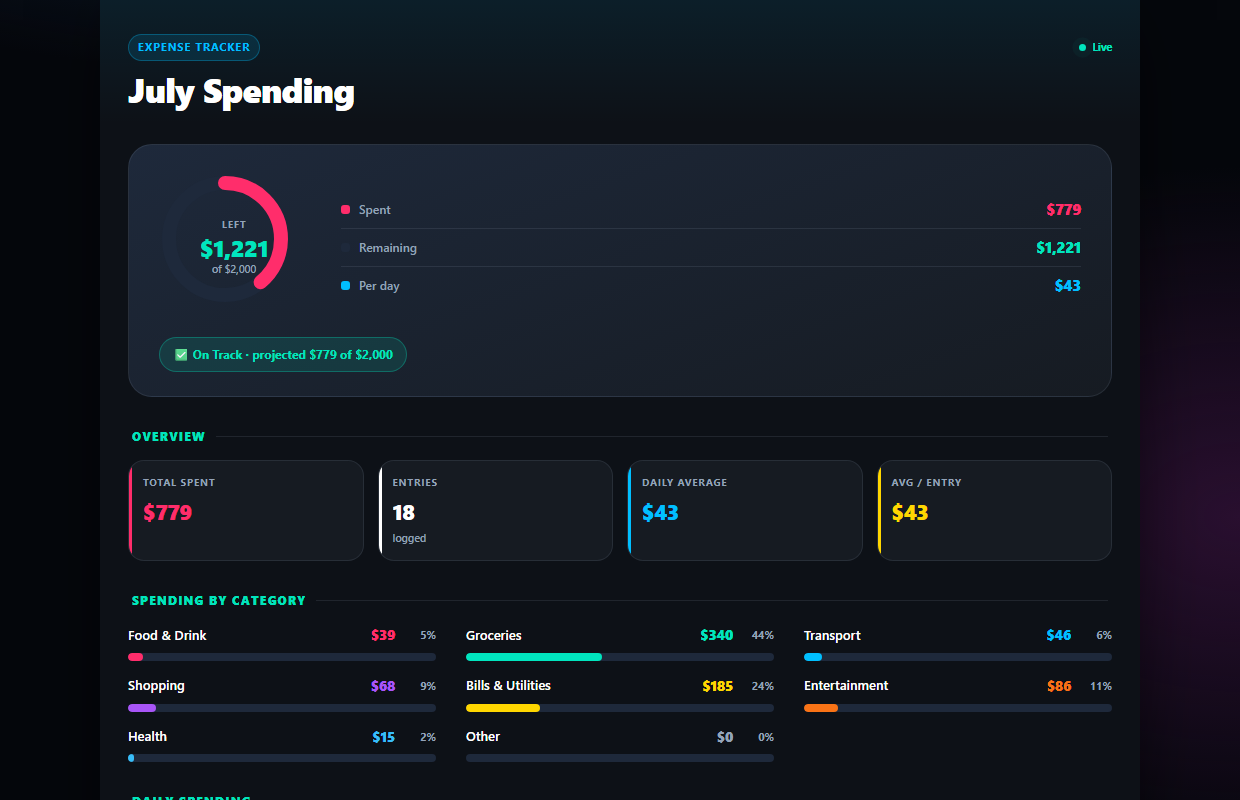
Every dollar, categorized for you
Text "coffee $6" or "groceries $84 at Trader Joe's" — the AI files each spend under the right category and your totals update instantly.
- ✓8 spending categories with % breakdowns
- ✓Daily trend chart builds itself
- ✓Set an optional monthly budget and watch the gauge
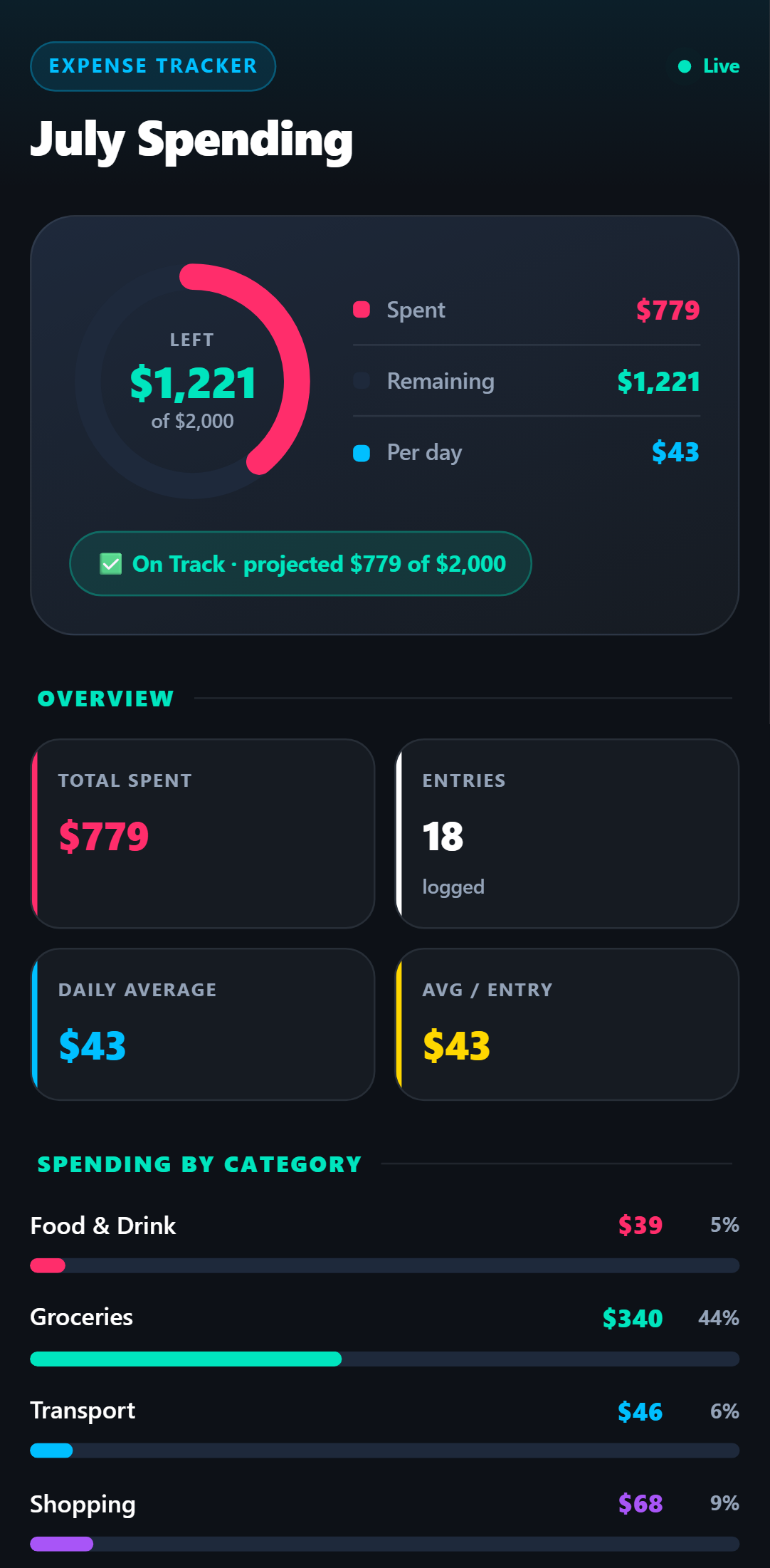
Check it like an app, not a spreadsheet
Your dashboard lives at a private link that opens instantly on any phone. No login, no app, no pinch-zooming a grid of cells.
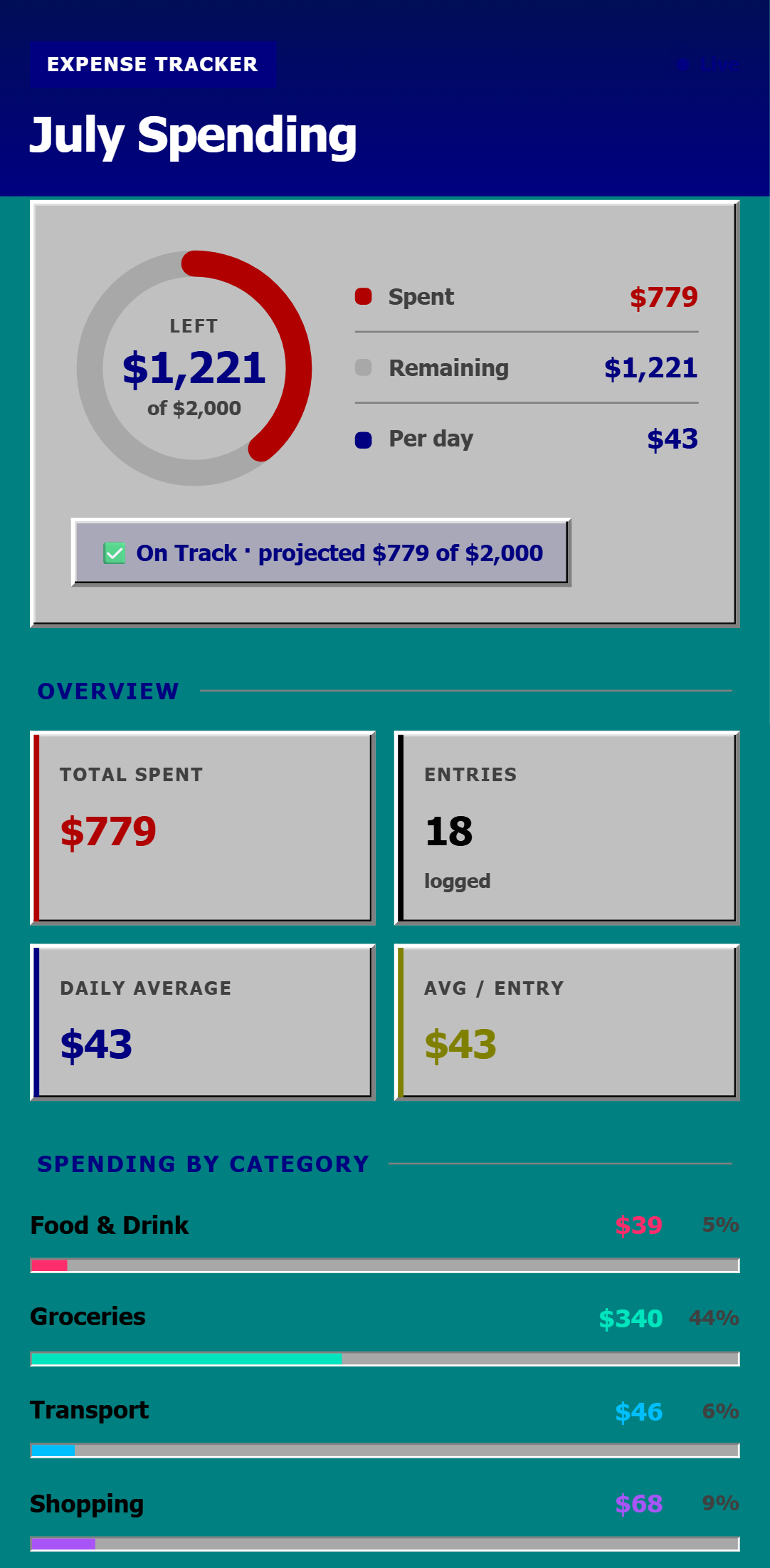
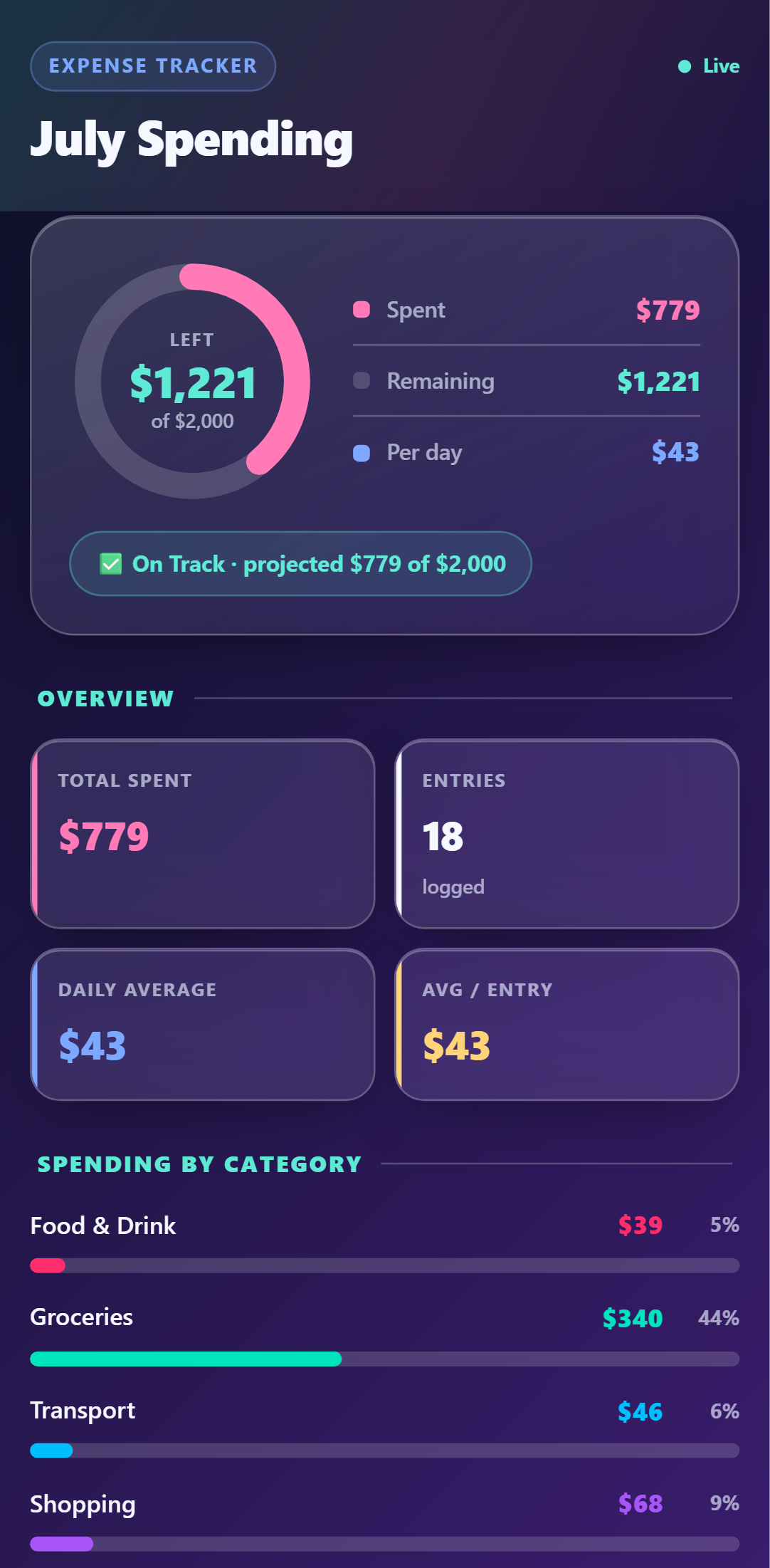
- ✓Live total, remaining budget & daily average
- ✓Every entry listed — tap to edit or delete
- ✓Updates seconds after you hit send
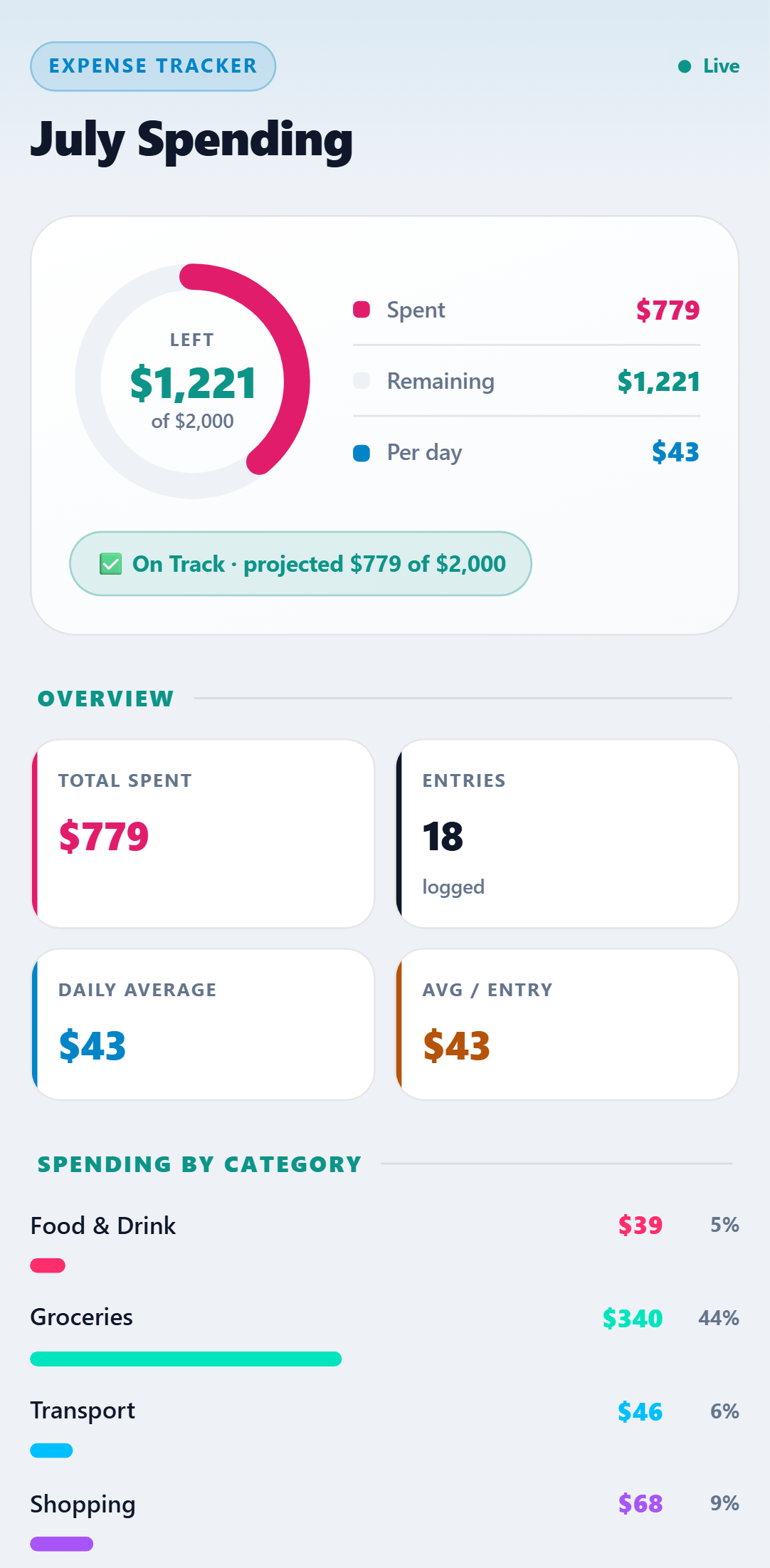
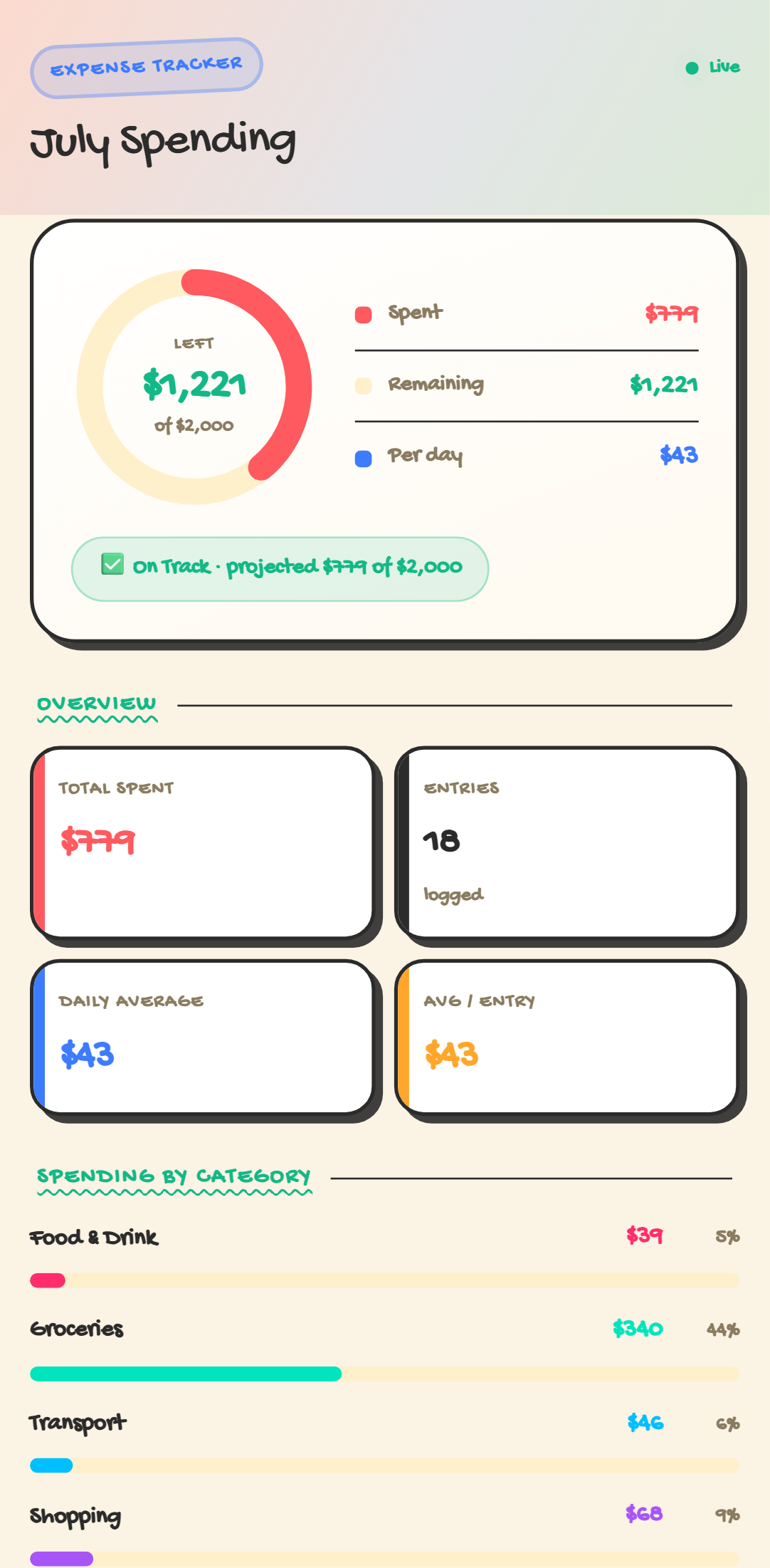
One dashboard. Five looks.
Every theme included with the template — switch anytime. Crayon, Retro 95 & Glass come with Pro.
Setup Guide
1. Add it to your account
Click 'Add to My Account' below and name your tracker (optionally set a monthly budget). A live dashboard is created instantly — no spreadsheet to copy.
2. Link your phone
Connect your WhatsApp, SMS, or Telegram number and reply Y to the quick verification text.
3. Start texting your spends
Text expenses naturally: 'Coffee $5', 'Uber $18', 'Groceries $72'. The AI categorises each one for you.
4. Watch your live dashboard
Open your private dashboard link to see total spent, spend by category, daily trend, and every expense — updating live as you text.
Try it right now
Send one message from your own phone and watch it appear on a live Simple Expense Tracker — the real thing, not a screenshot.