Your sheet. Your columns. Just text it.
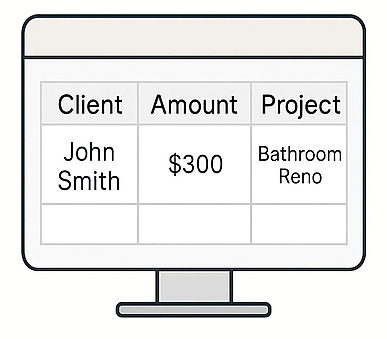
Already have a spreadsheet you like? Keep it. Chat2Sheet connects straight to your own Google Sheet, reads your column headers, and appends a new row every time you send a message.
Free plan includes 1 sheet. No card required.
Three steps, about a minute
1. Pick your sheet
Sign in with Google and choose a spreadsheet and tab. We only ever see the files you explicitly pick.
2. Connect your phone
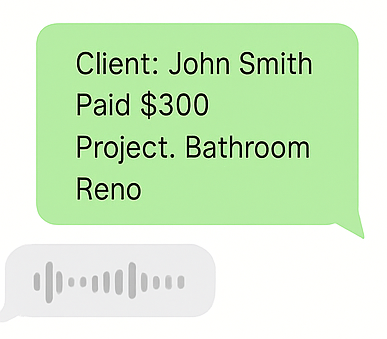
Scan a QR code with your camera to link WhatsApp, Telegram or SMS. Nothing to type, so nothing to mistype.
3. Start texting
The AI matches what you wrote against your headers and fills the row. Your formulas and charts keep working.
No mapping screens, no field config
Name your columns whatever makes sense to you — Client, Amount, Status, Notes. The AI reads them and works out where each piece of your message belongs.
Add a column later and it starts getting filled. Rename one and the AI adapts. The spreadsheet stays the source of truth.
Several sheets, one phone number
Start a message with a keyword to steer it. #work goes to your invoice tracker, #home to the household budget, and anything without a keyword lands in your default sheet.
You choose the keywords during setup — they're just words, not commands to memorise.
It lives in your Drive, not ours
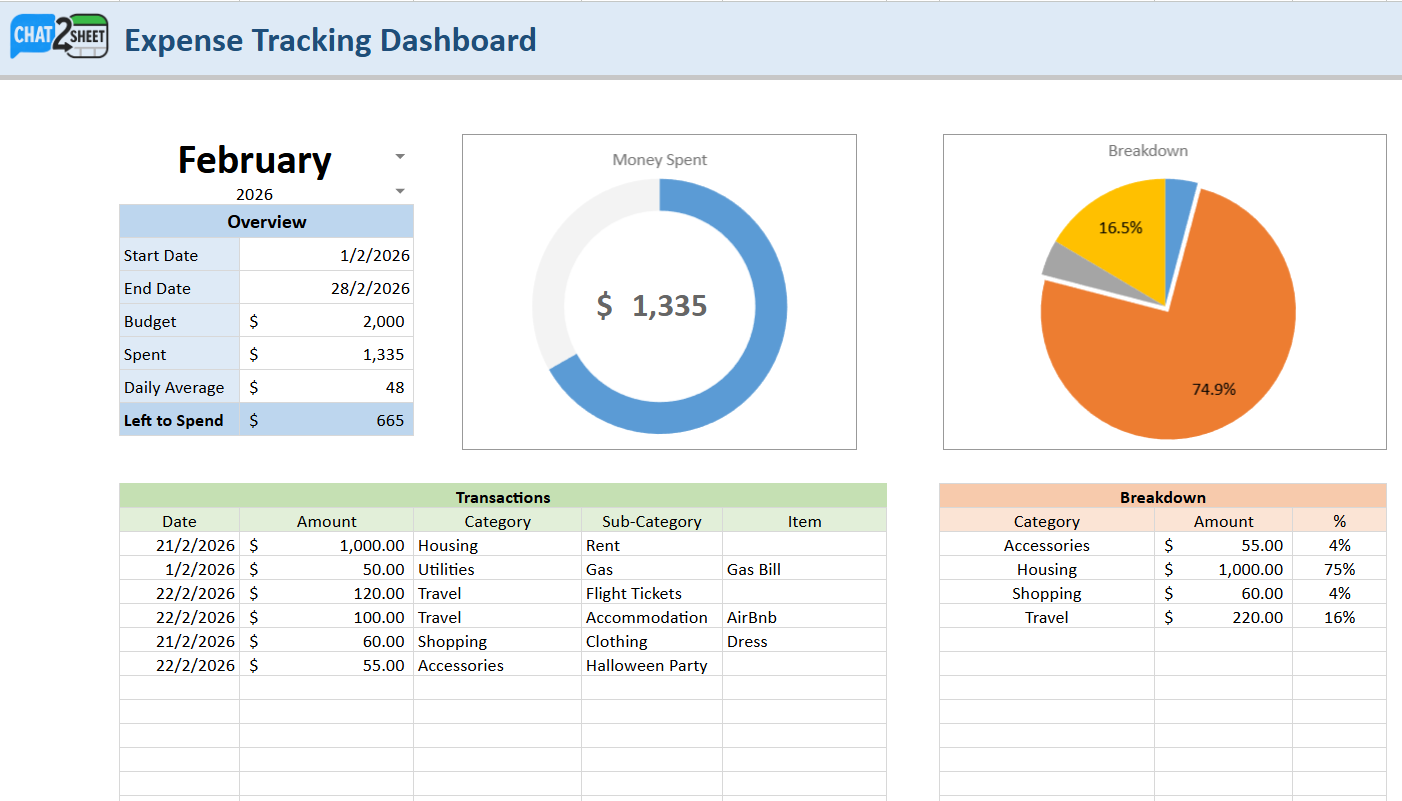
The spreadsheet is yours: your Google account, your sharing settings, your version history. Share it with an accountant, pull it into Looker Studio, or export it and walk away.
If you'd rather not manage a file at all, our plug-and-play dashboards give you the same thing with the charts already built.
Worth knowing before you start
What access does Chat2Sheet need?
Only the files you hand us. We use Google's file picker, which grants access to the specific spreadsheet you select and nothing else in your Drive. You'll also need to share that sheet with [email protected] as an Editor so we can write rows to it — setup walks you through it.
Does my sheet need a particular layout?
Just a header row. Put your column names in row 1 of the tab you connect, and the AI takes it from there. Existing data below is left alone — we only append.
Will this break my formulas or pivot tables?
No. New rows are appended the same way they would be if you typed them, so formulas that reference a range keep working. If you use a Table or a named range, extend it to cover new rows as usual.
Sheet or dashboard — which should I pick?
Choose a sheet if you already have one you like, need your own formulas, or want to hand the file to someone else. Choose a dashboard if you just want charts and totals without building anything. You can run both on the same phone number.
How many sheets can I connect?
Sheets and dashboards share one pool: 1 on Free, 3 on Pro, 20 on Business. See pricing for the full breakdown.
Connect your first sheet
Free to start, no card required. About a minute from here to your first logged row.
Free plan includes 1 sheet. No card required.