Track your billable hours by text.
Text the hours you work per client as you go. Chat2Sheet builds a live dashboard of billable hours by client against your monthly goal — no timesheet, no app, no end-of-month guessing.
Start Tracking Free →Every hour, captured the moment you work it
No more reconstructing your week from memory on Friday.
Billable Hours
"2.5h for Acme, landing page"
Calls & Meetings
"1h call with Beta Corp"
Multiple Clients
Hours split by client, automatically
Monthly Goals
See progress toward your target
How it works
1. Text your hours
"2.5h for Acme, landing page". Natural language — no timers to start and stop.
2. AI files it
The AI extracts the hours, client, and task and files it under the right client.
3. Your dashboard updates
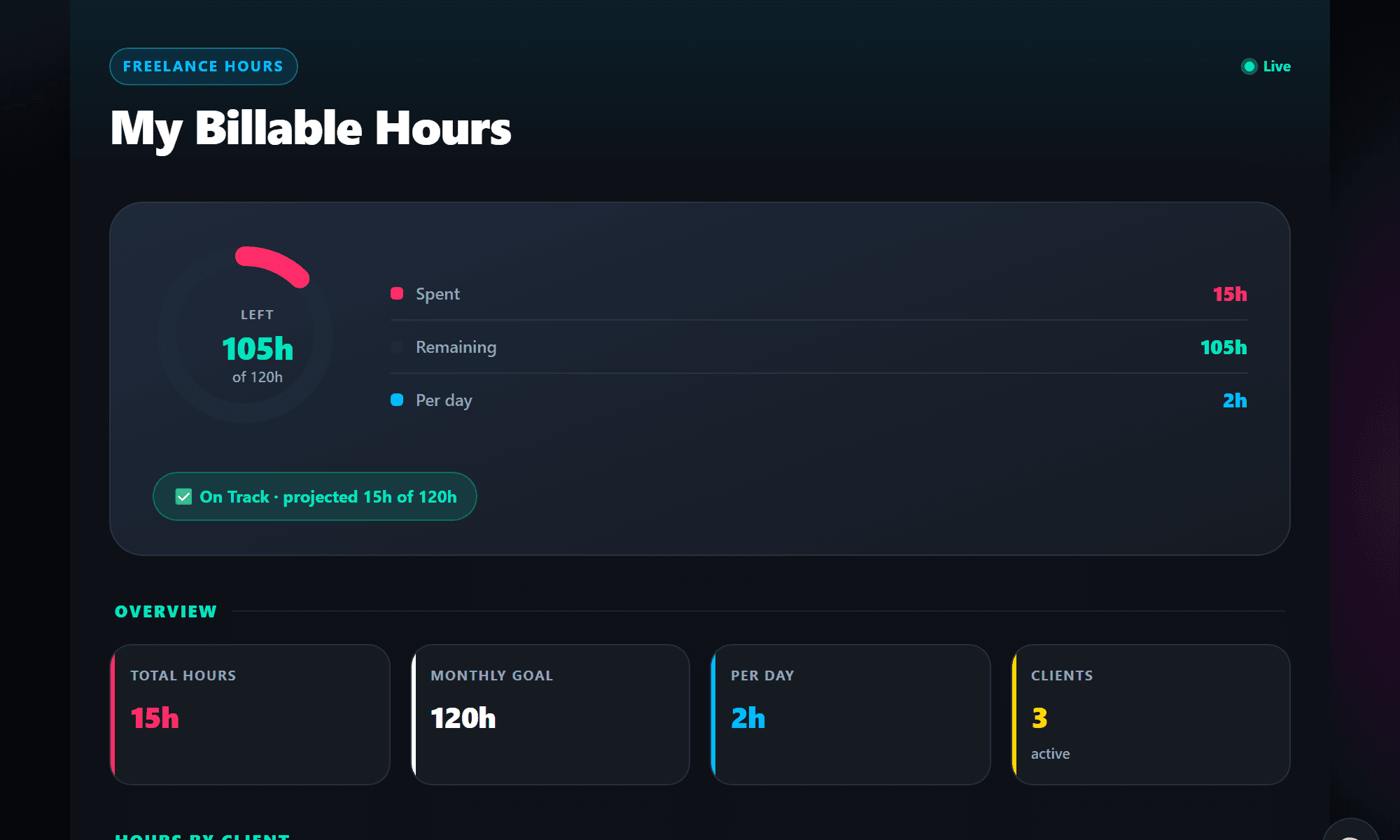
See total hours, hours by client, and progress toward your monthly goal — live.
Ready-to-use Work templates
Add one to your account and start texting in under a minute.
Stop reconstructing your week from memory.
Text hours as you finish them — "1h call with Beta Corp". Your dashboard splits time by client and tracks your monthly goal, so invoicing is a copy-paste, not an investigation.
See the Freelance Hours Tracker →Freelance & Work FAQ
Common questions about tracking work with Chat2Sheet.
Do I have to start and stop a timer?
No — that's the point. Just text the hours after you finish a task ("2h on the redesign"). Nothing to remember to start or stop.
Can it convert minutes to hours?
Yes. Text "45 min admin" and the AI logs it as 0.75 hours automatically.
Can I track multiple clients?
Yes. Mention the client in your message and your dashboard breaks hours down per client, ready for invoicing.
Can I set a monthly hours goal?
Yes — set a monthly goal when you add the tracker and the dashboard shows your remaining hours and pace.
Start tracking your hours today
Free to start. No credit card. Works with WhatsApp, SMS, and Telegram.
Get Started Free →