
No-Spend Challenge
Text each no-spend day — "no spend today, skipped the coffee run" — and watch the streak build. See exactly which temptations you beat.
✅ Texts you can send
📊 What it tracks
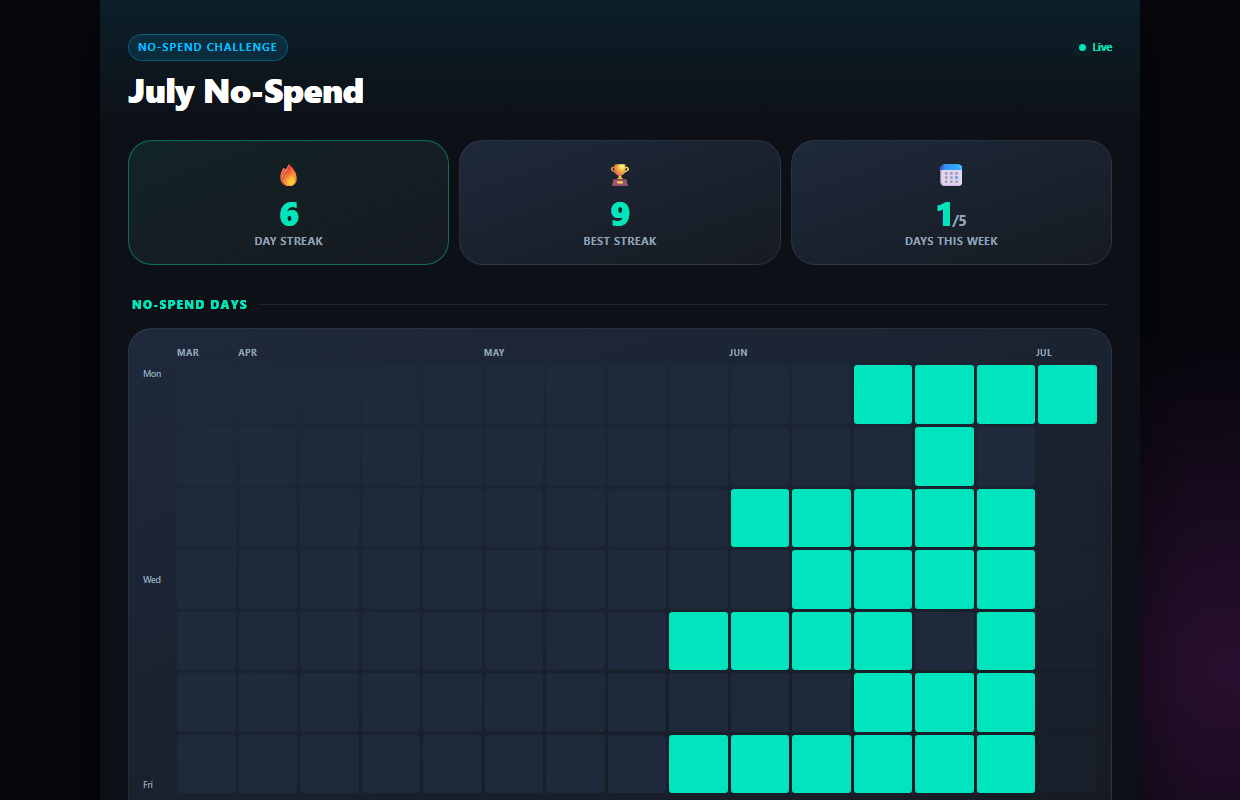
Make not-spending feel like winning
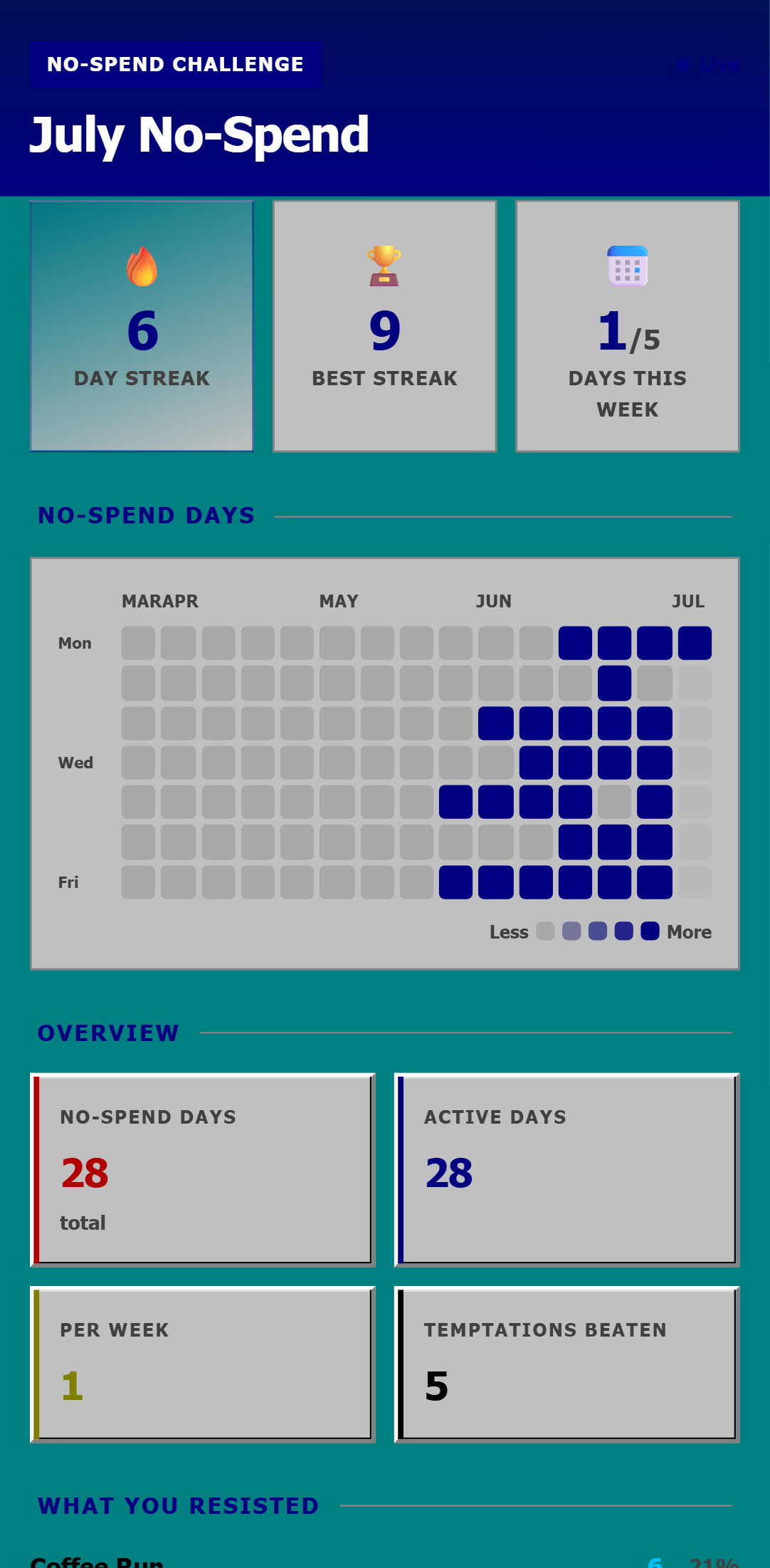
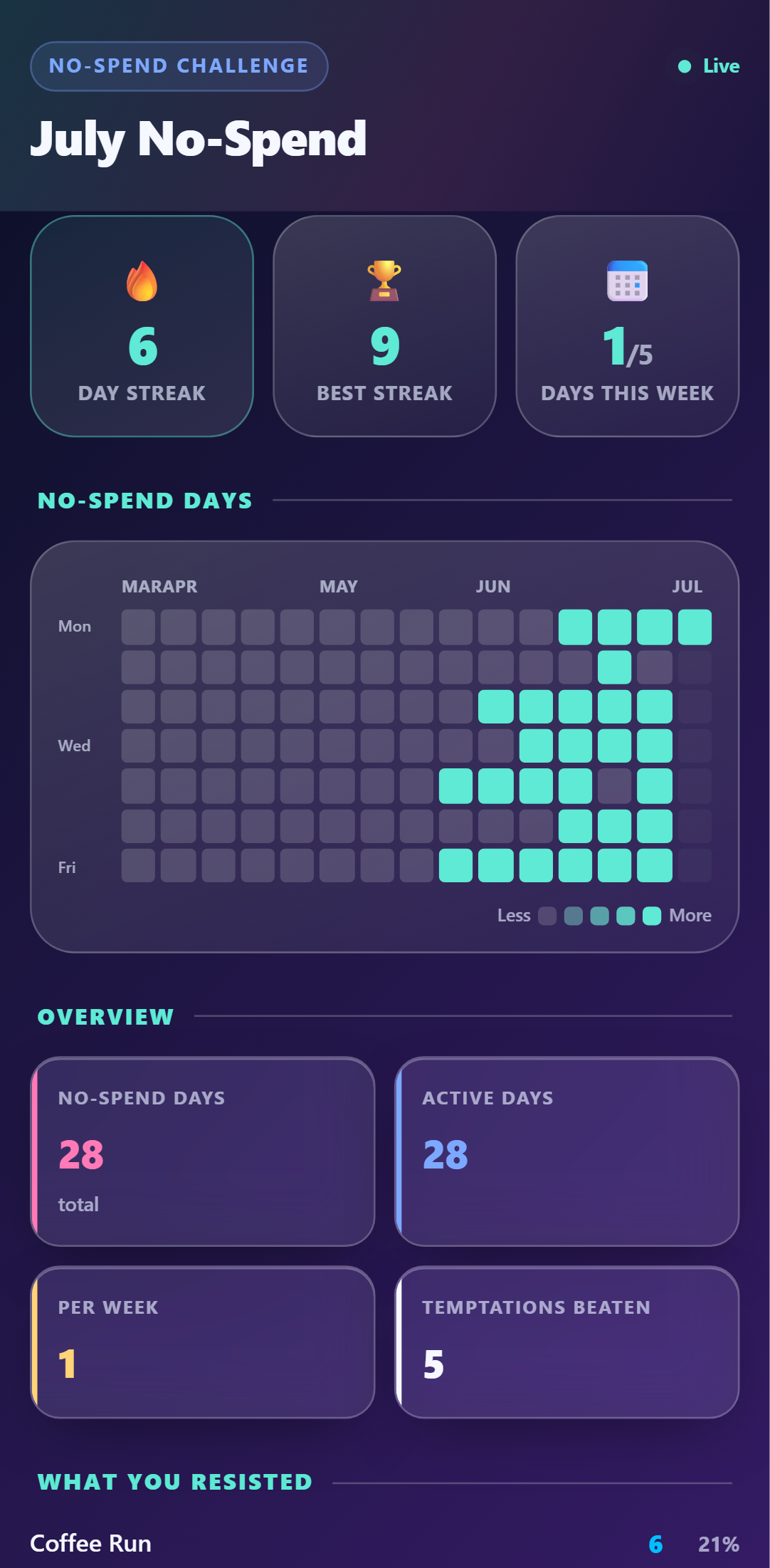
Every clean day extends your streak and fills the calendar. The dashboard turns willpower into a game you can see yourself winning.
- ✓🔥 No-spend streak + weekly goal
- ✓Calendar heatmap of clean days
- ✓Count of temptations beaten
See exactly what tempts you
Log what you resisted — "skipped the coffee run", "left it in the cart" — and the dashboard ranks your temptations. Self-knowledge beats budgeting willpower.
- ✓Temptations grouped and ranked automatically
- ✓One text per day keeps you honest
- ✓Share the link with an accountability buddy
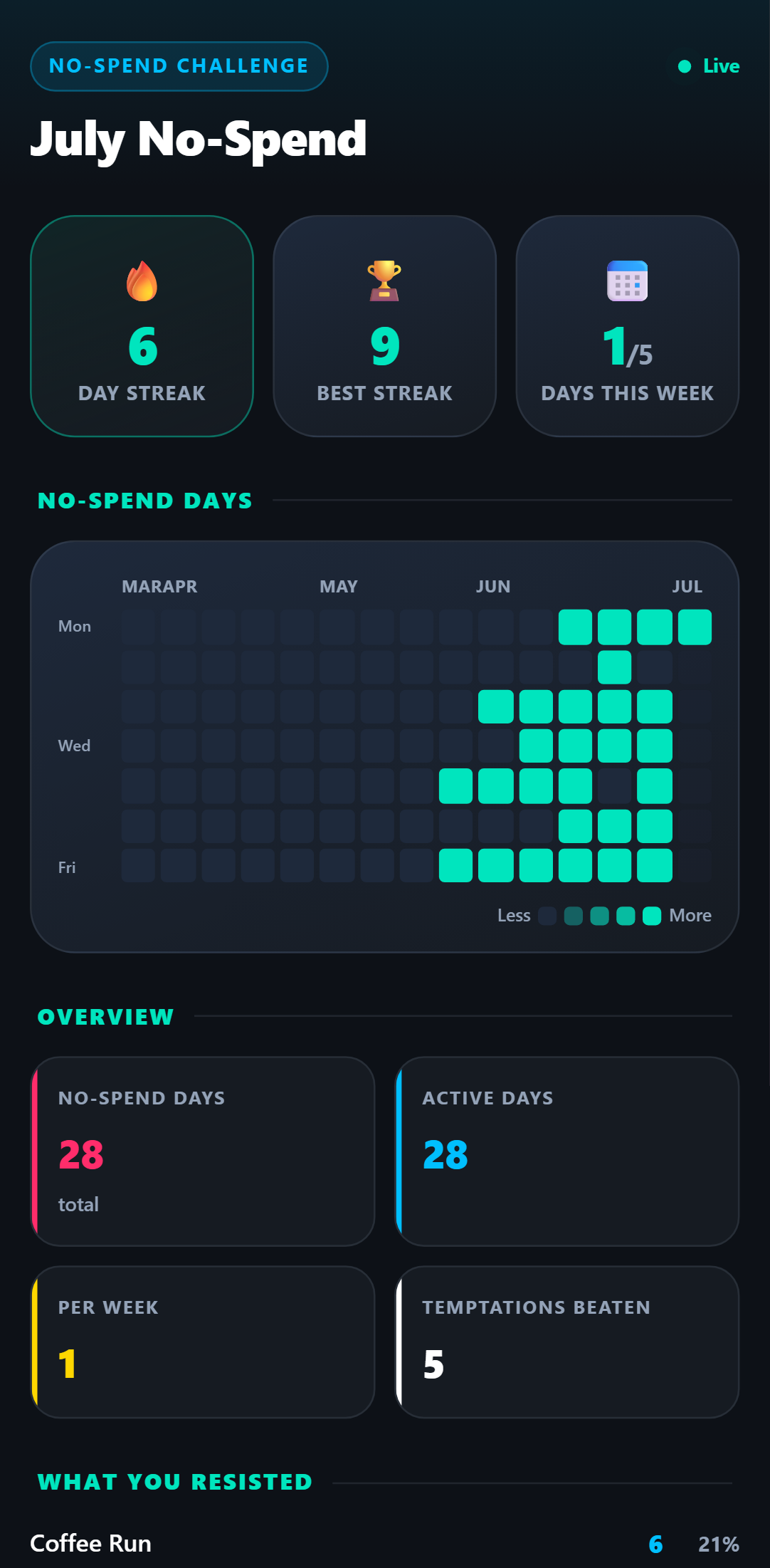
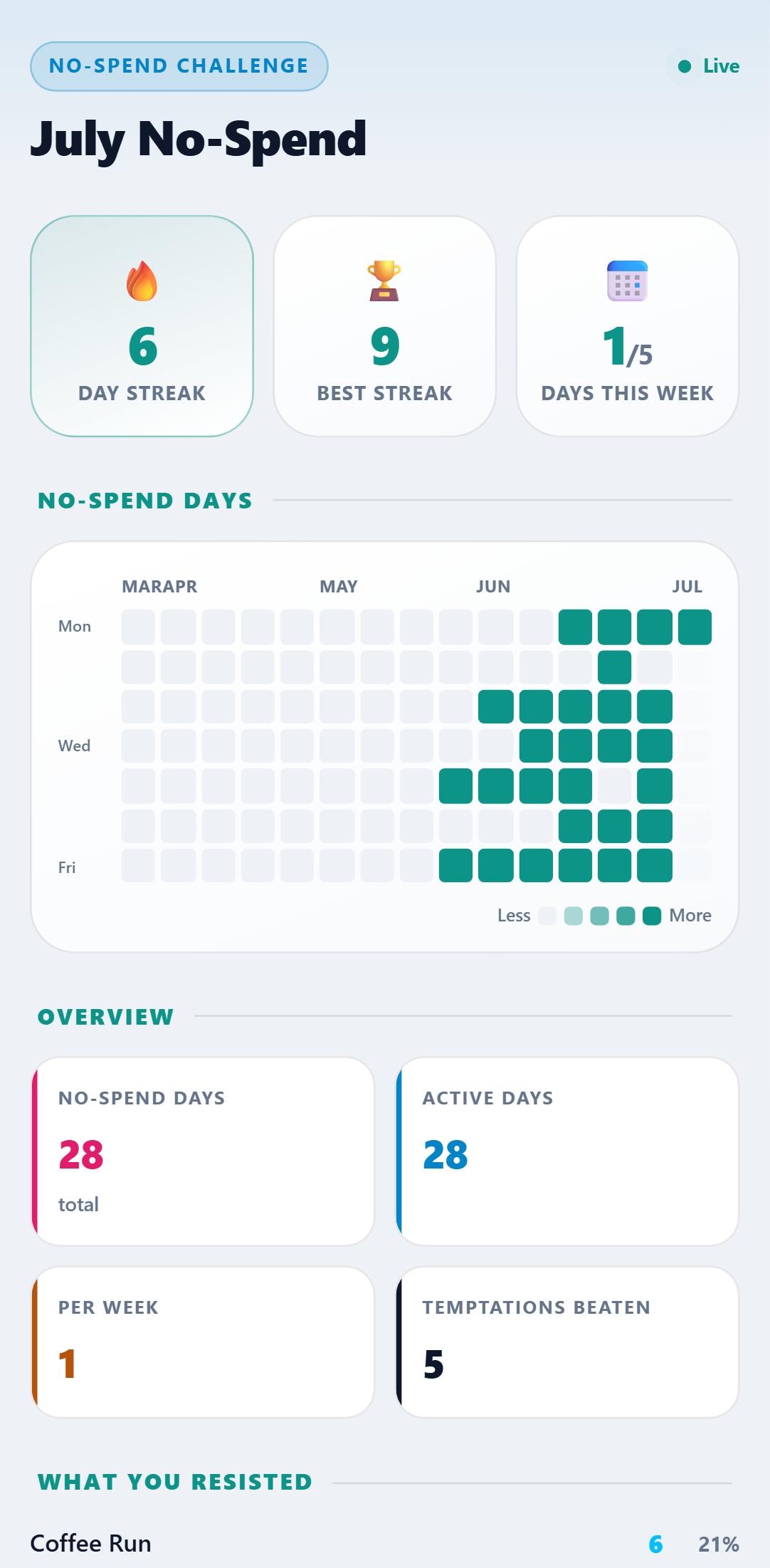
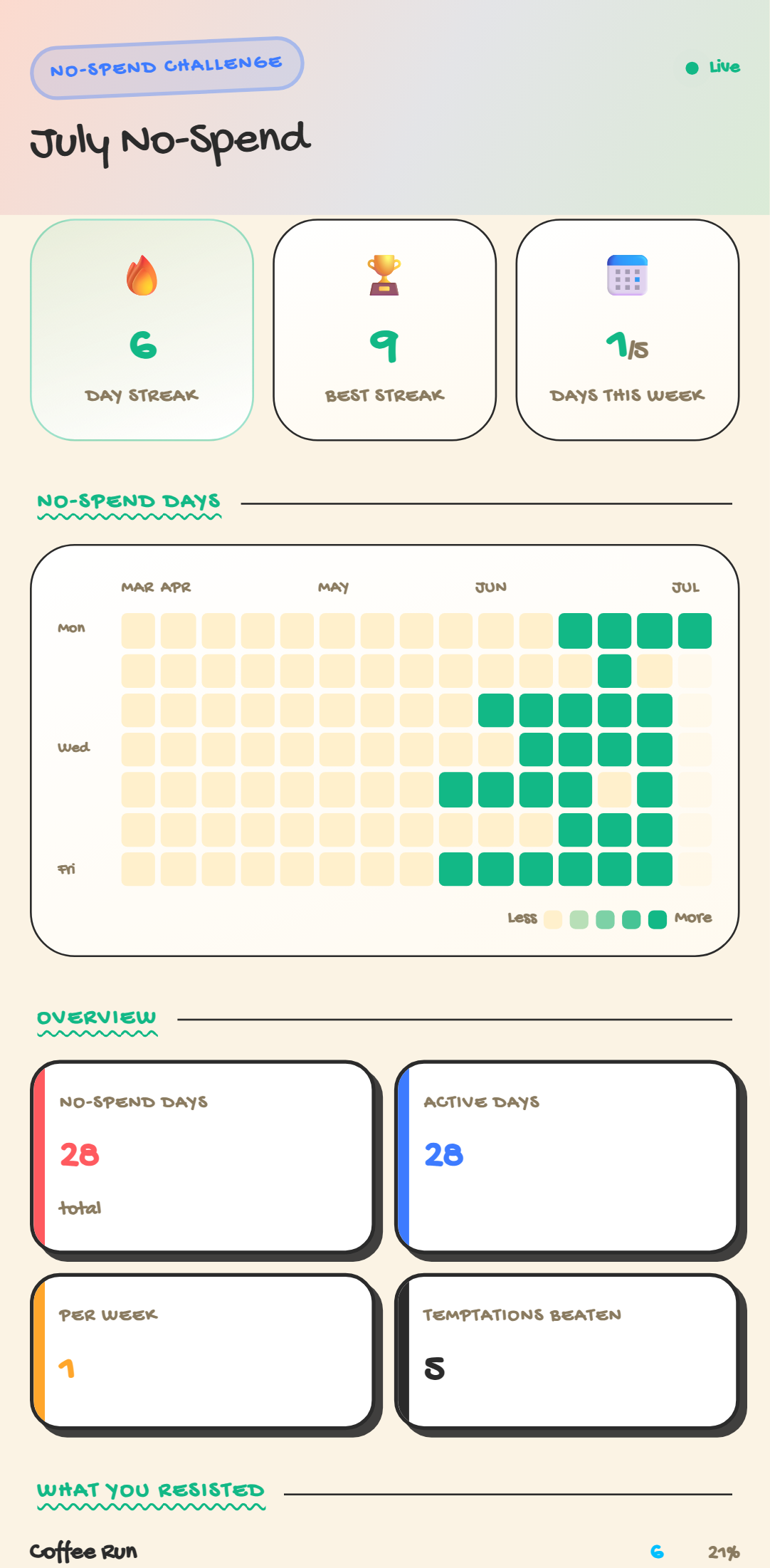
One dashboard. Five looks.
Every theme included with the template — switch anytime. Crayon, Retro 95 & Glass come with Pro.
Setup Guide
1. Add it to your account
Click 'Add to My Account', name your challenge, and set your weekly no-spend goal.
2. Link your phone
Connect WhatsApp, SMS, or Telegram and reply Y to verify.
3. Text your clean days
End of day: "no spend today" — and if you resisted something, brag about it: "skipped the coffee run".
4. Protect the streak
Your dashboard shows the streak, the calendar filling in, and the temptations you've beaten.
Try it right now
Send one message from your own phone and watch it appear on a live No-Spend Challenge — the real thing, not a screenshot.