Reading Log
Text what you read — "25 pages of Atomic Habits" — and watch your reading streak, pages per book, and consistency map build themselves.
✅ Texts you can send
📊 What it tracks
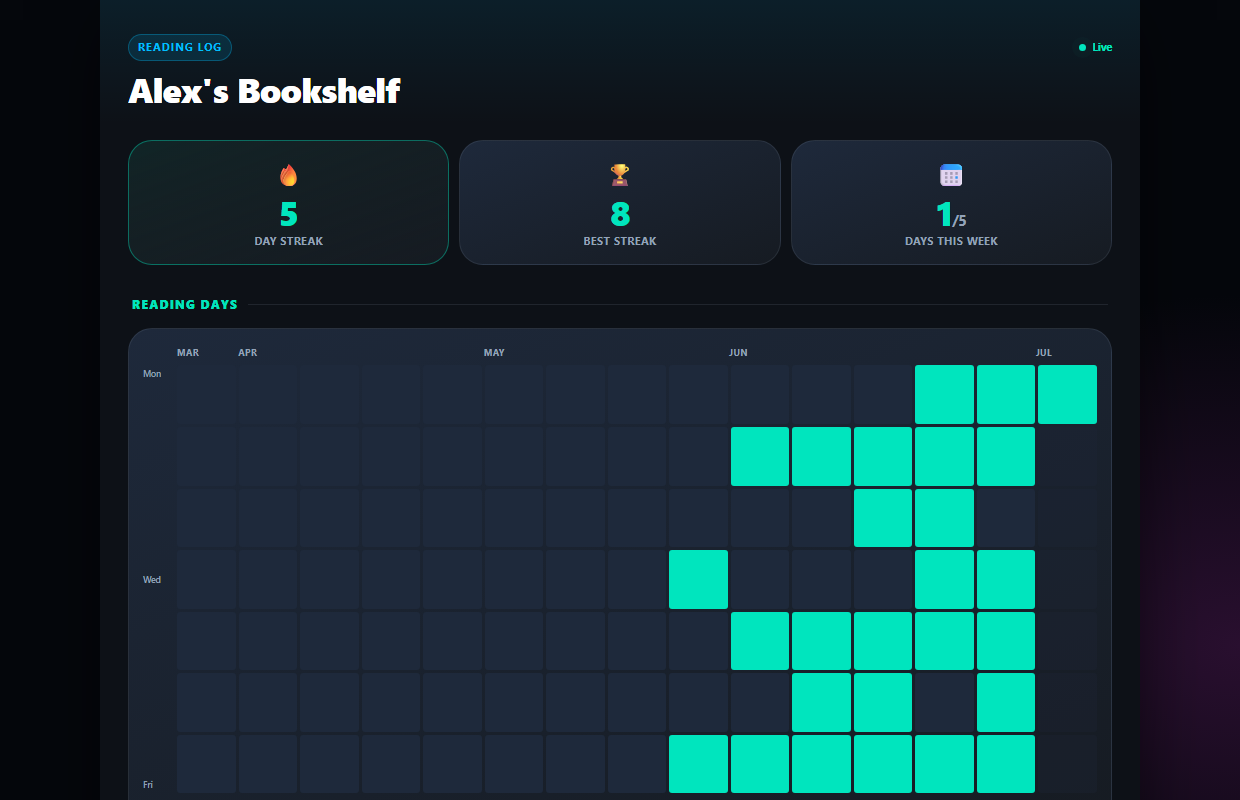
Your reading life, on one page
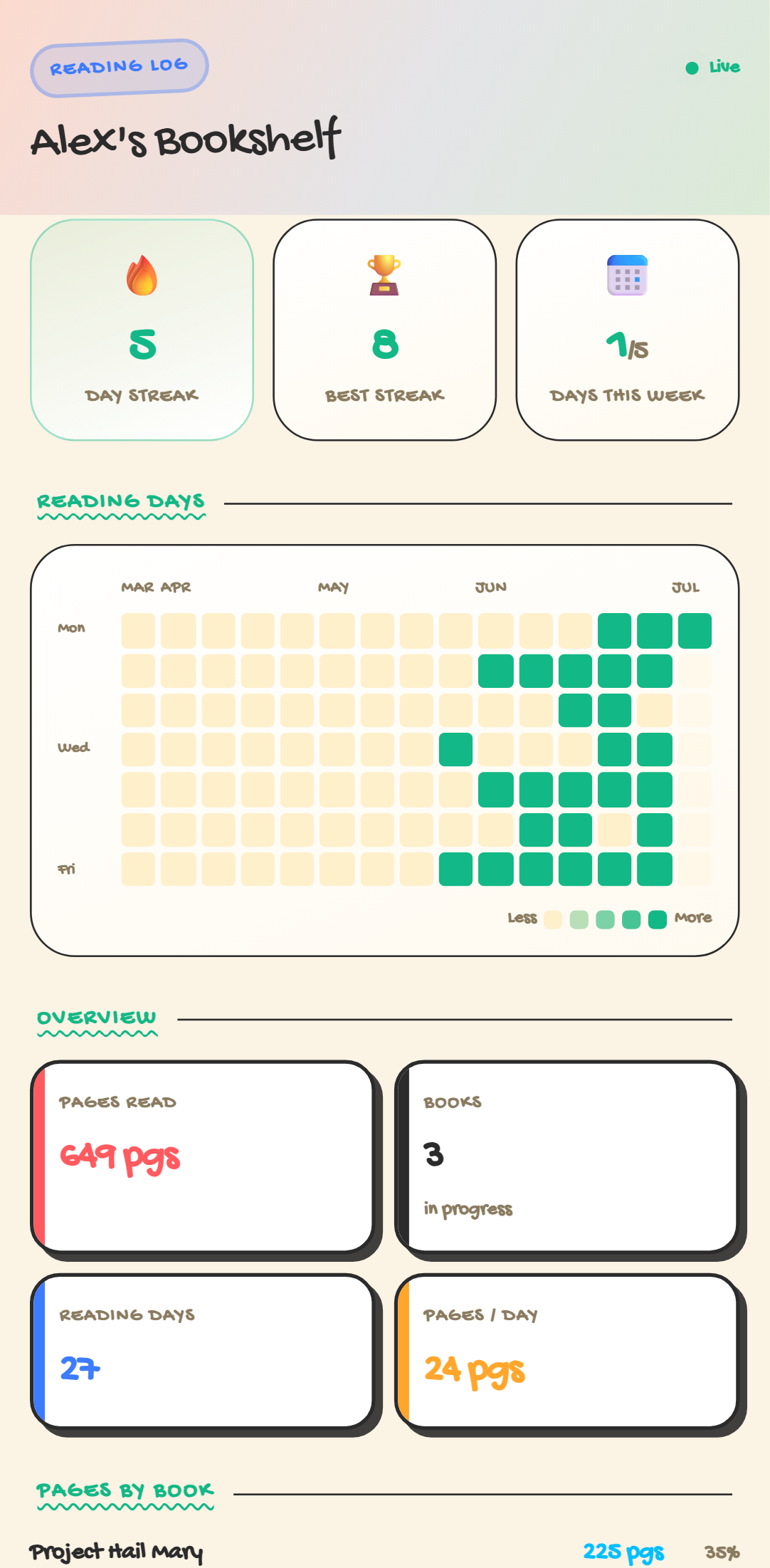
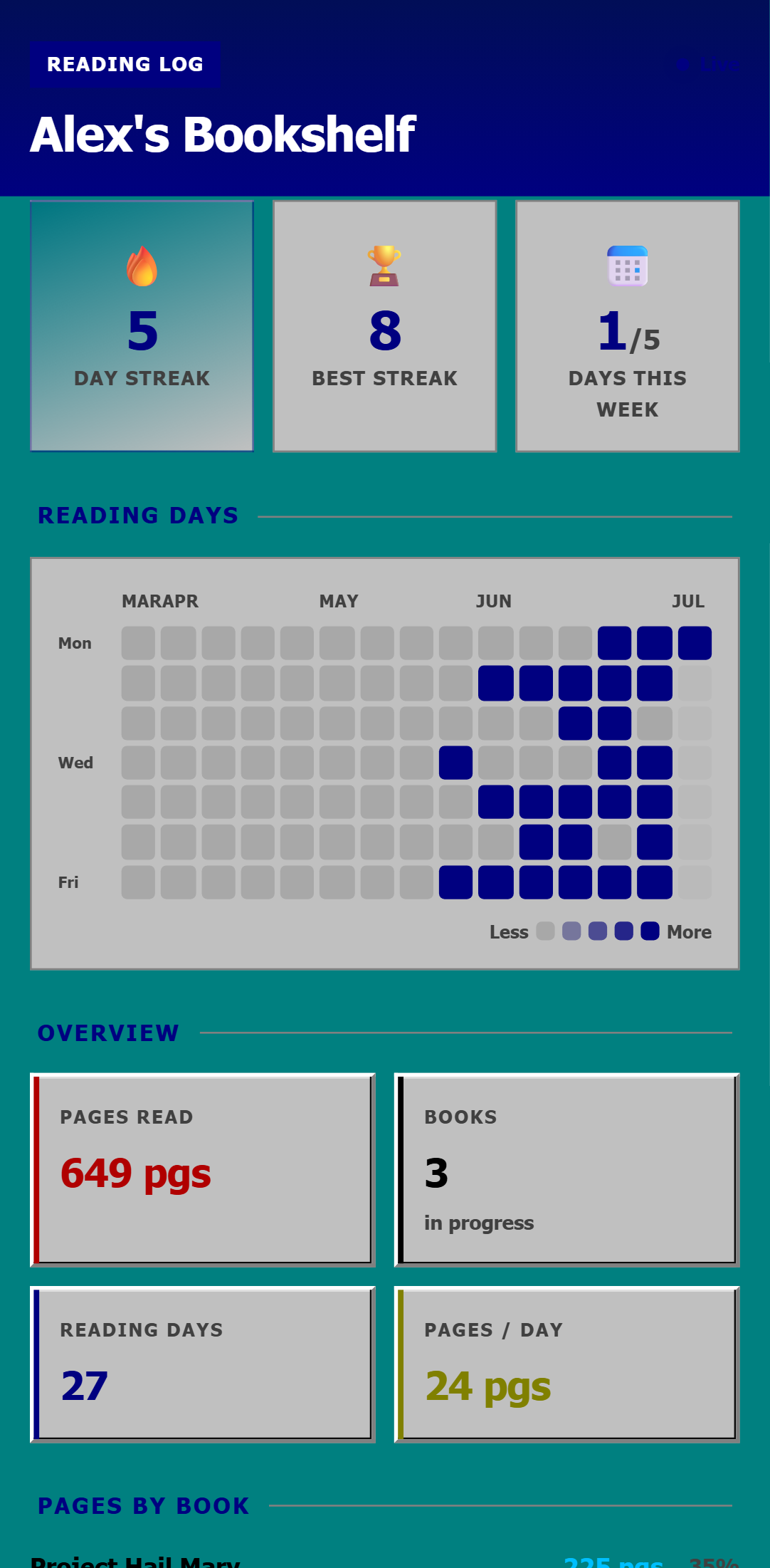
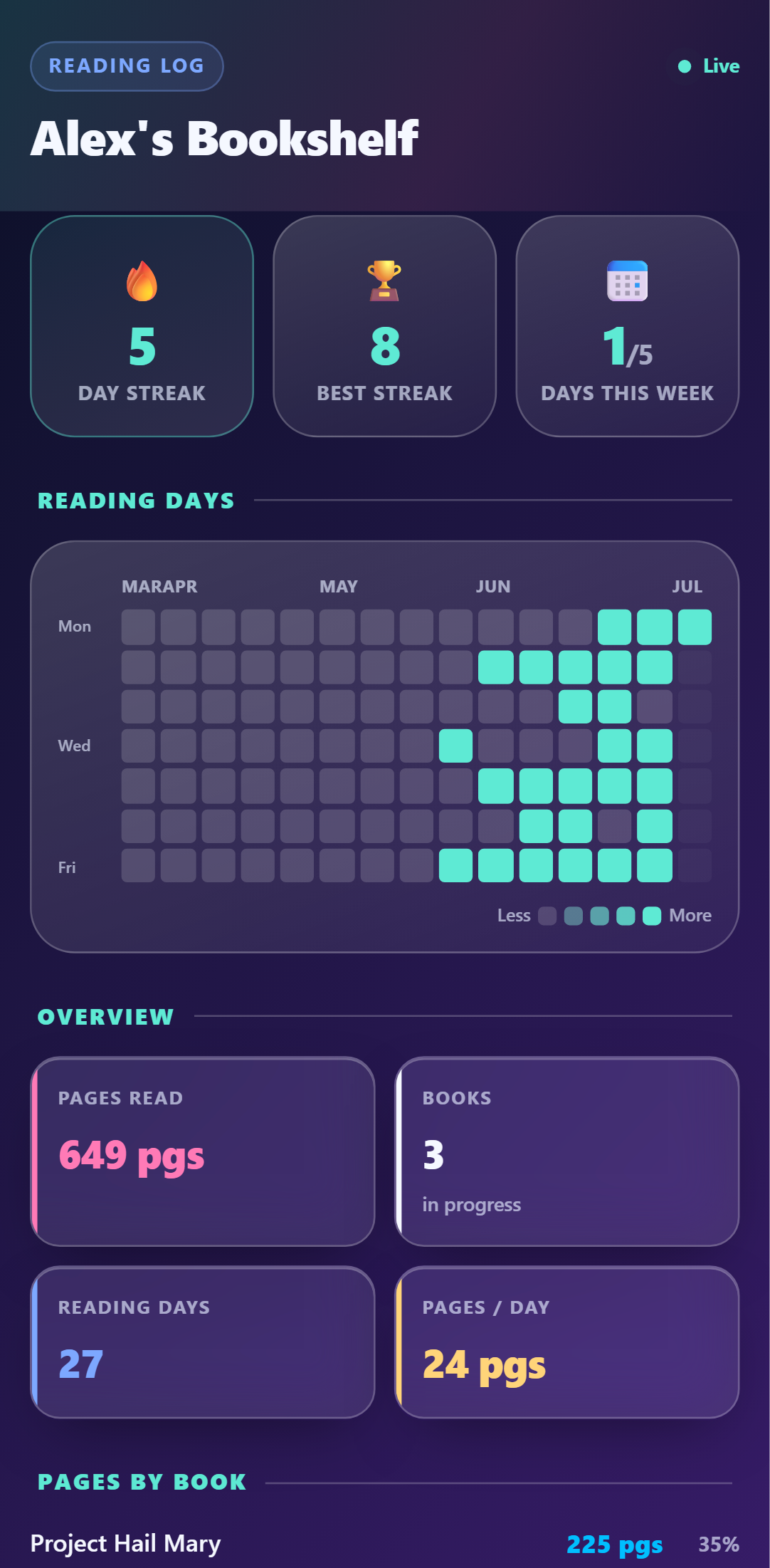
Pages read, books in progress, reading streak, and a consistency map — all built from one text after you close the book.
- ✓🔥 Reading streak + weekly goal
- ✓Pages split by book, automatically
- ✓Monthly pages goal with live progress
"25 pages of Atomic Habits" — logged
No app, no shelf-scanning, no star ratings you'll never use. The AI files the book, the pages, and the date. Say minutes instead and it estimates pages.
- ✓Track multiple books at once
- ✓Notes like "chapter 4" ride along
- ✓Edit any session on the dashboard
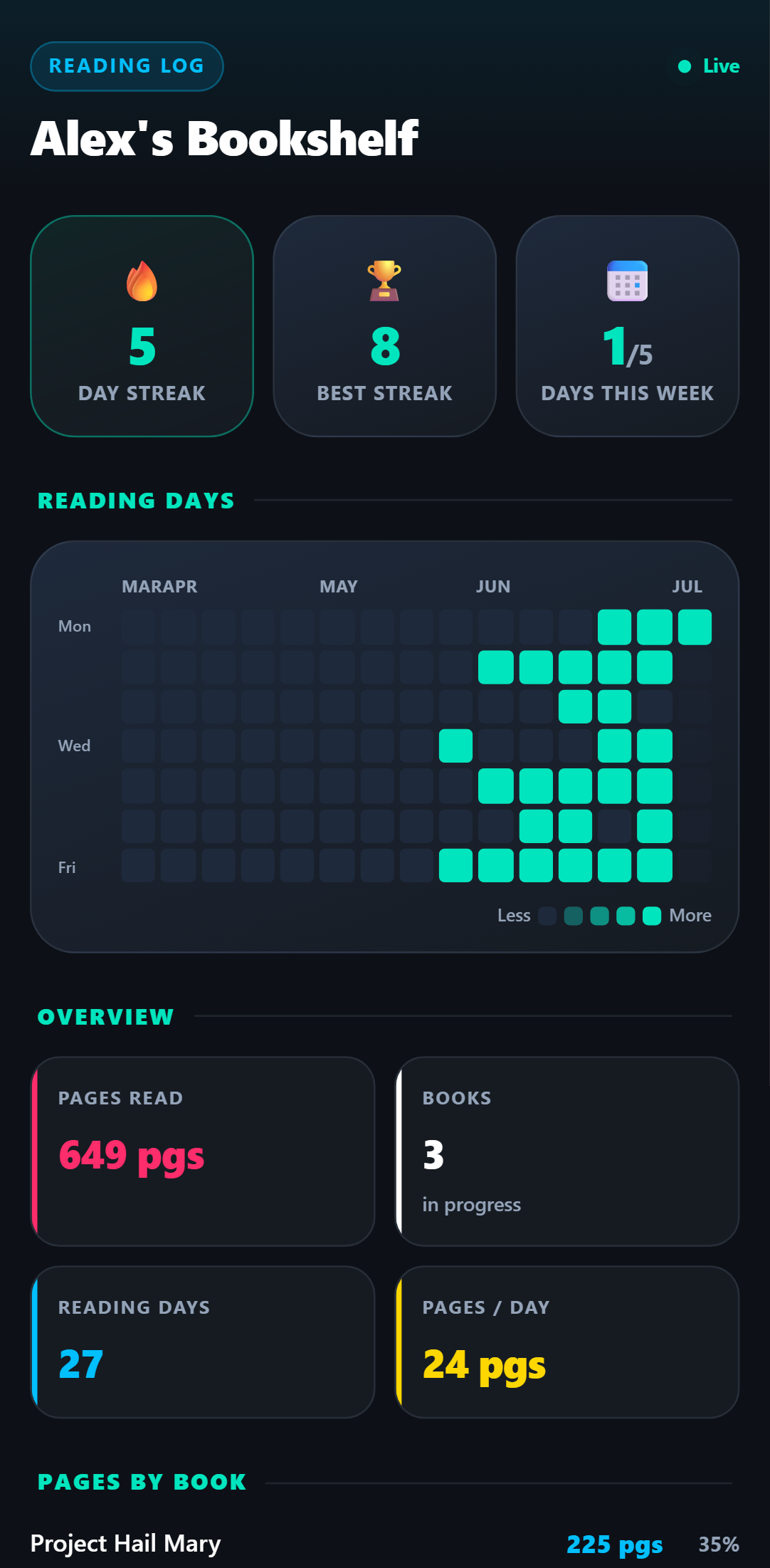
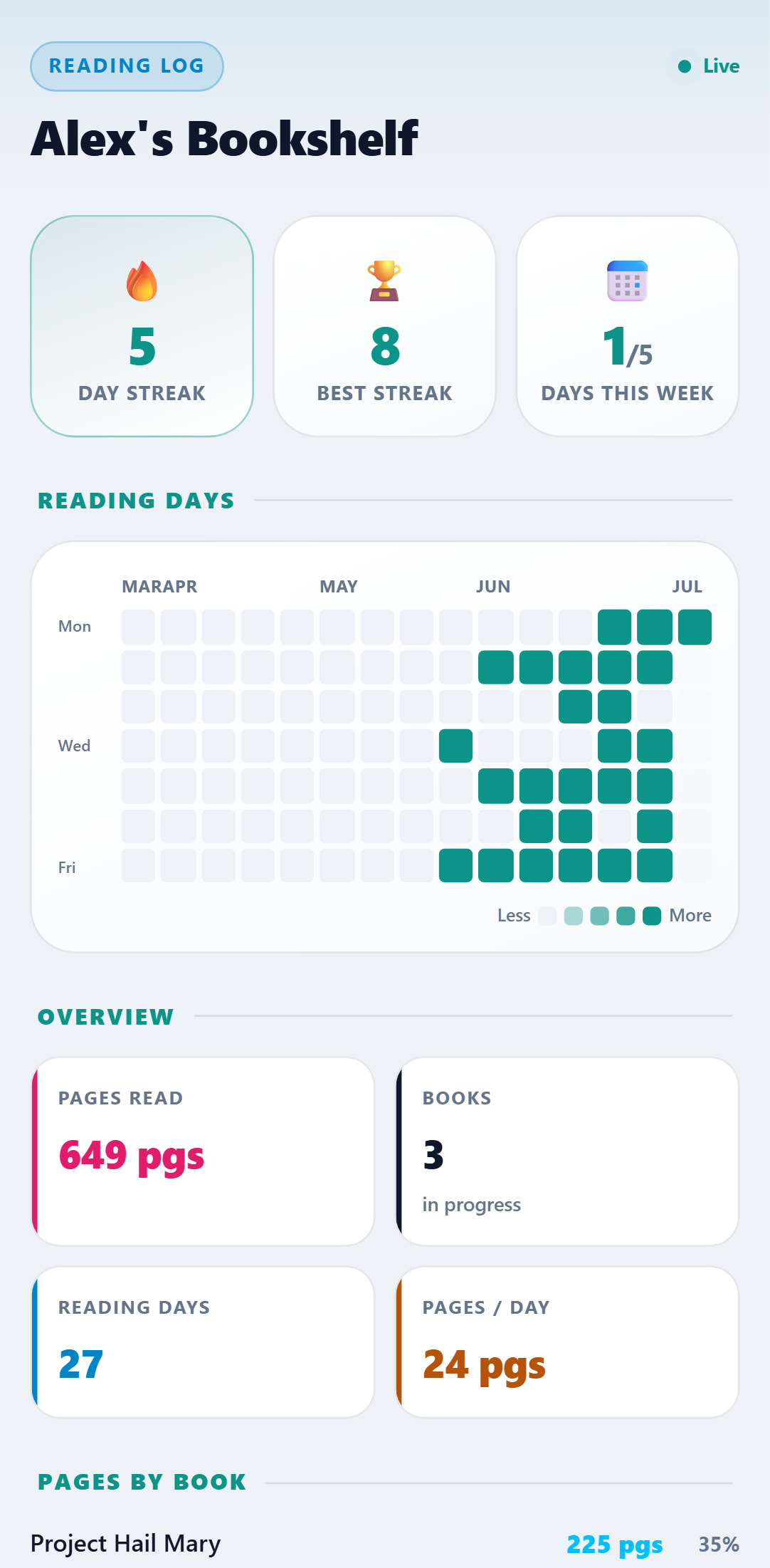
One dashboard. Five looks.
Every theme included with the template — switch anytime. Crayon, Retro 95 & Glass come with Pro.
Setup Guide
1. Add it to your account
Click 'Add to My Account', name your log, and optionally set weekly/monthly goals.
2. Link your phone
Connect WhatsApp, SMS, or Telegram and reply Y to verify.
3. Text after you read
"25 pages of Atomic Habits" or "read 30 min" — the AI logs the book, pages, and date.
4. Watch the streak build
Your dashboard shows pages by book, reading days, and your streak — updating live.
Try it right now
Send one message from your own phone and watch it appear on a live Reading Log — the real thing, not a screenshot.