
Savings Goal Tracker
Name the thing you are saving for, set the amount and the date, then text every contribution. Your dashboard tells you if you will actually make it — and what to change if you will not.
✅ Texts you can send
📊 What it tracks
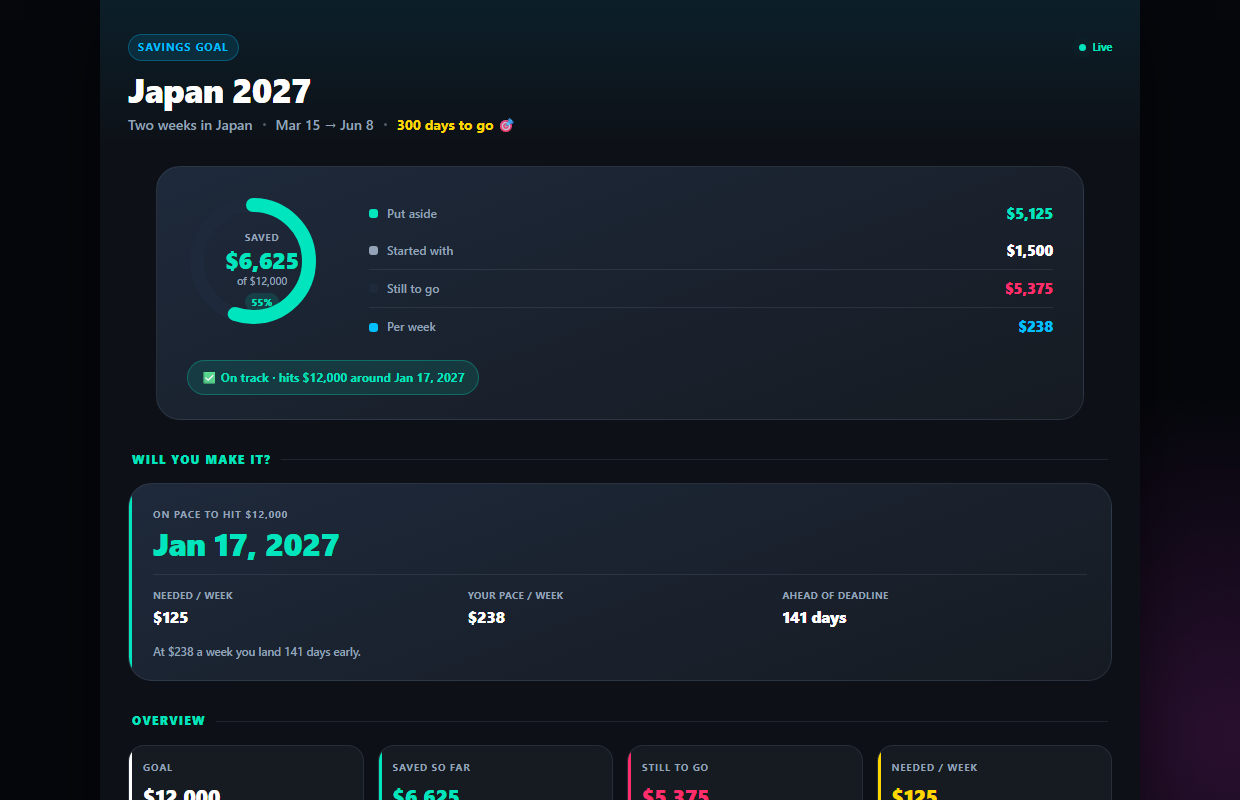
Know the date you will hit your goal
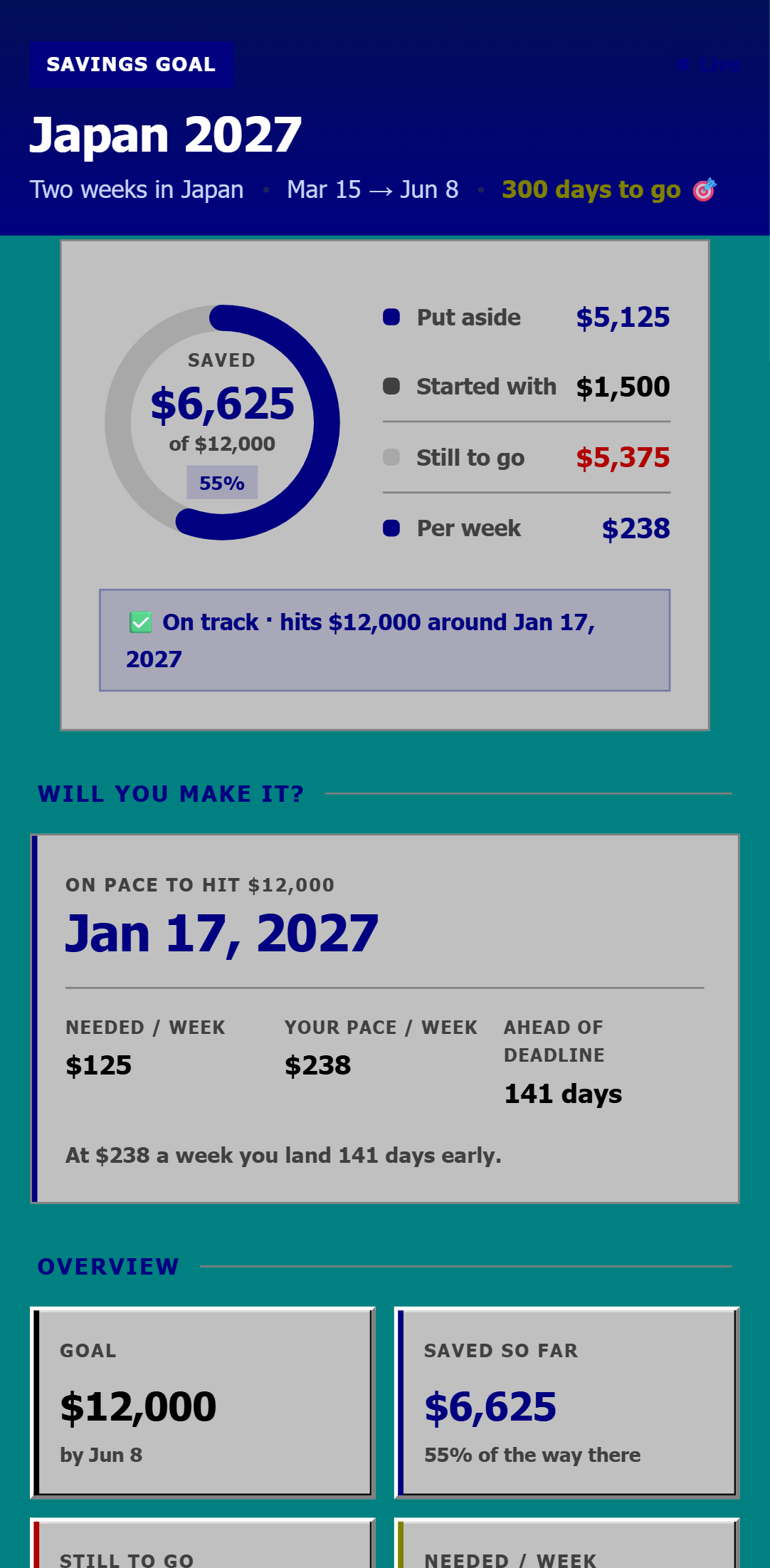
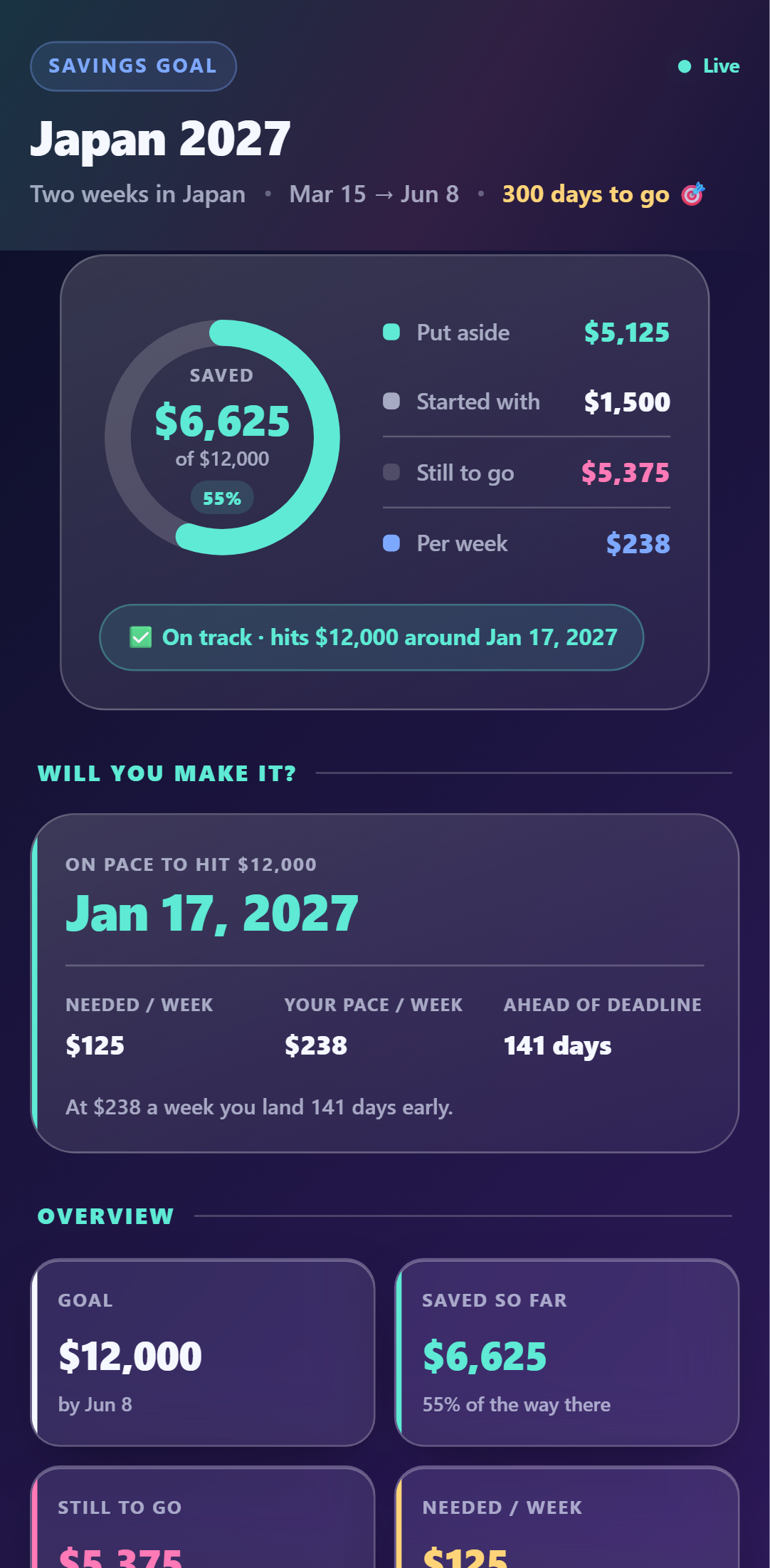
Every contribution updates a real forecast: the date you land at your current pace, whether that beats your deadline, and exactly how much more per week closes the gap.
- ✓Projected finish date from your real pace
- ✓How much per week you still need
- ✓The catch-up number when you fall behind
One pot, two phones
Invite your partner (Pro) and you both text contributions from your own phones. Everything lands in the same pot, tagged with who put it in.
- ✓Partner contributes from their own number
- ✓Split by person, automatically
- ✓Start with money you have already saved
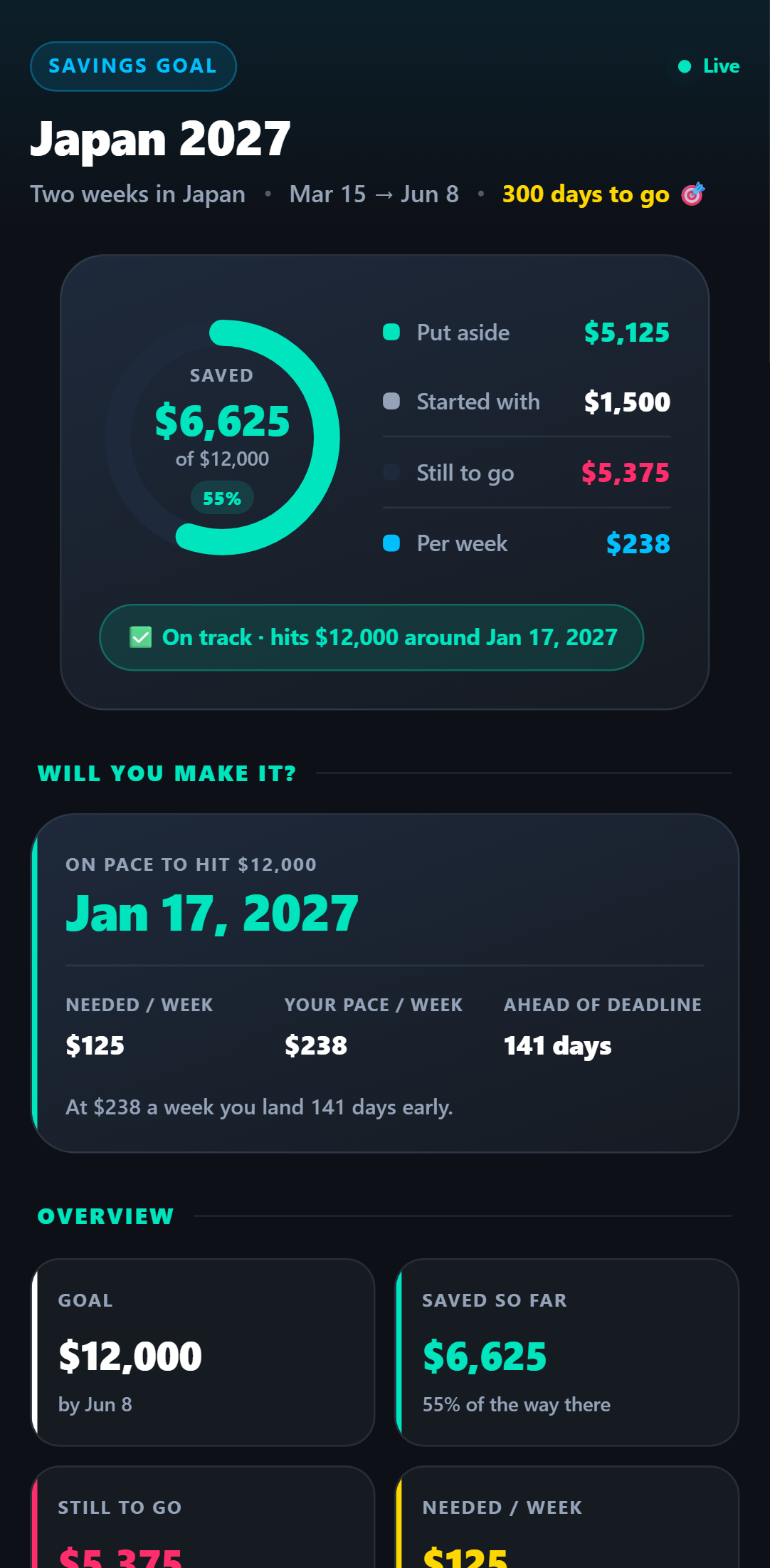
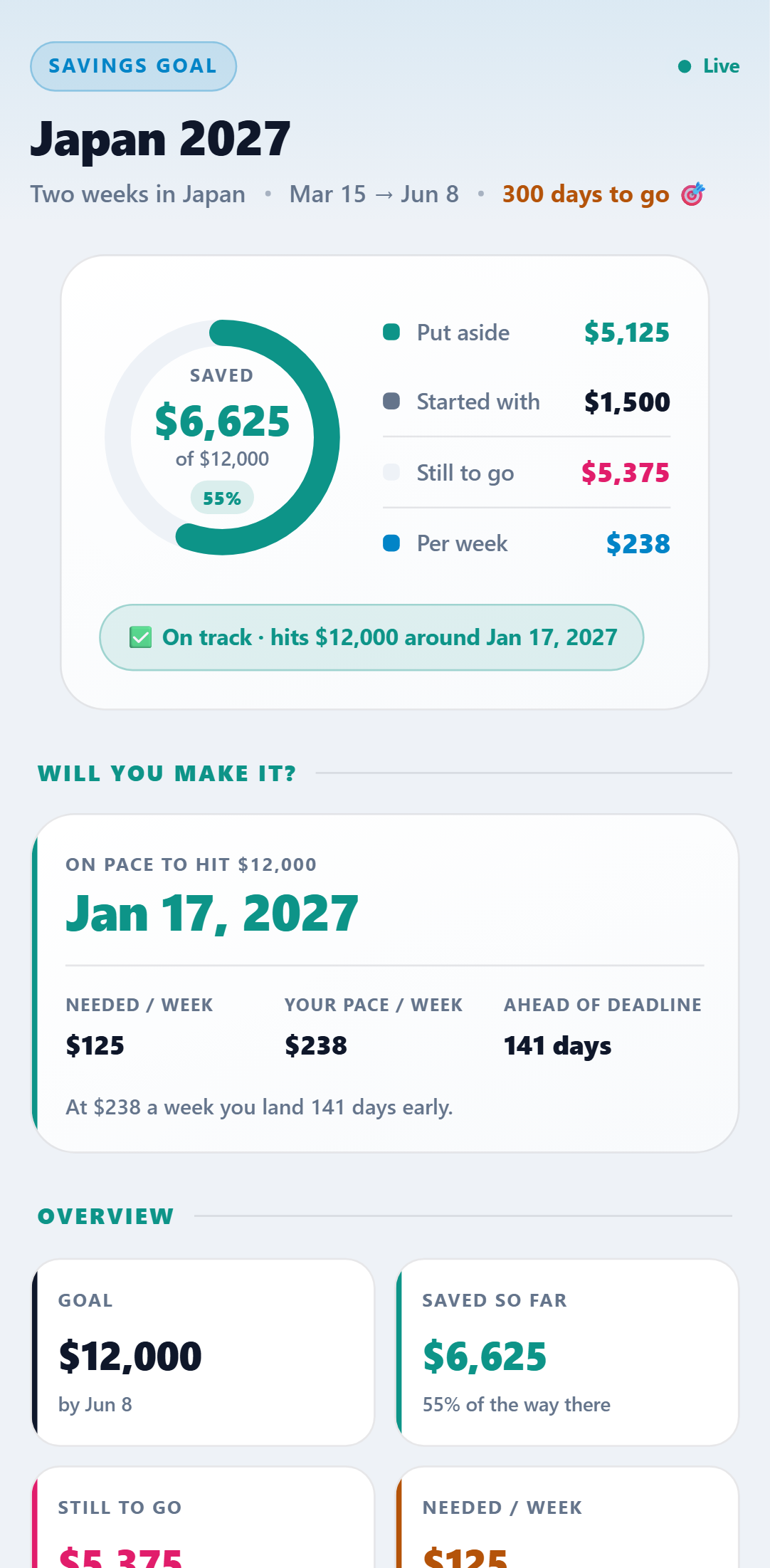
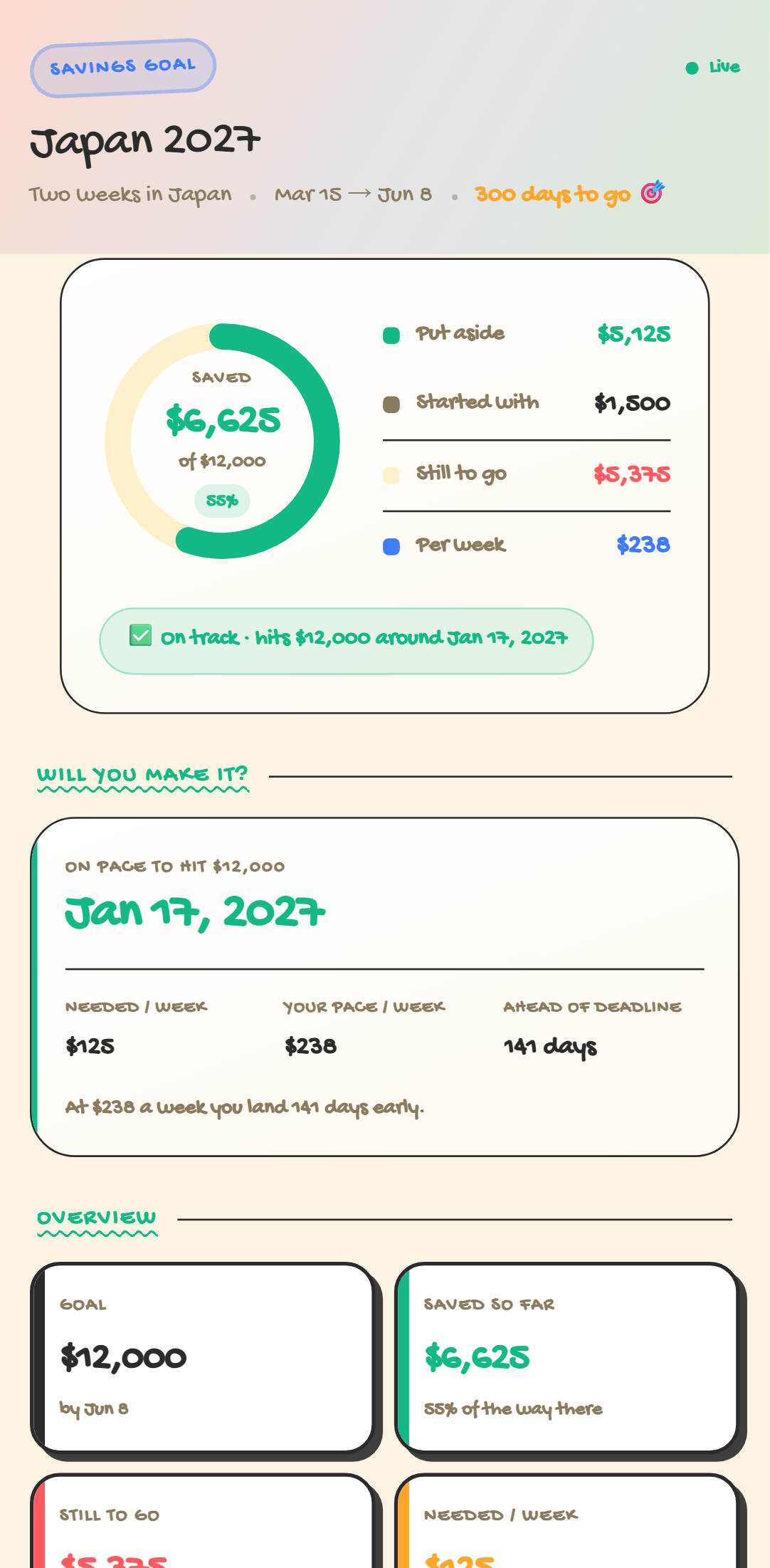
One dashboard. Five looks.
Every theme included with the template — switch anytime. Crayon, Retro 95 & Glass come with Pro.
Setup Guide
1. Add it to your account
Click Add to My Account and enter what you are saving for, the target amount, your deadline, and anything you have already put aside. Your dashboard is live instantly.
2. Link your phone
Connect your WhatsApp, SMS, or Telegram number once and reply Y to the verification text.
3. Text every contribution
Log money as you set it aside: "Put aside $200 from my paycheck", "Saved $500 from the bonus". The AI files where each contribution came from.
4. Check the forecast
Your dashboard shows the donut filling up, the date you are on pace to finish, and — if you are behind — exactly how much more per week you need.
5. Save with someone else
Add your partner (Pro) and they contribute from their own phone. One shared pot, one shared deadline, split by person.
Try it right now
Send one message from your own phone and watch it appear on a live Savings Goal Tracker — the real thing, not a screenshot.