
Spend Challenge
Pick a number and a deadline — "$500 for the two of us this month" — then text every purchase. See what is safe to spend today and whether you are still winning.
✅ Texts you can send
📊 What it tracks
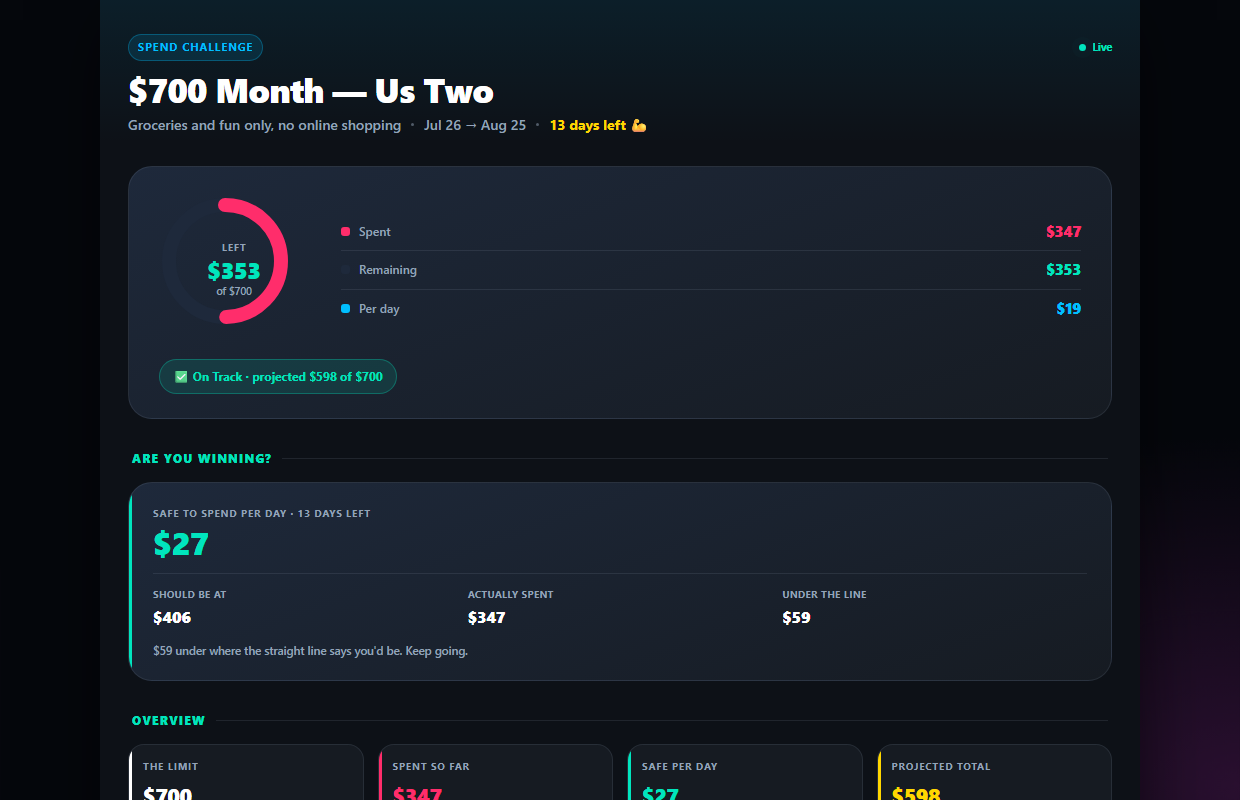
Know what is safe to spend today
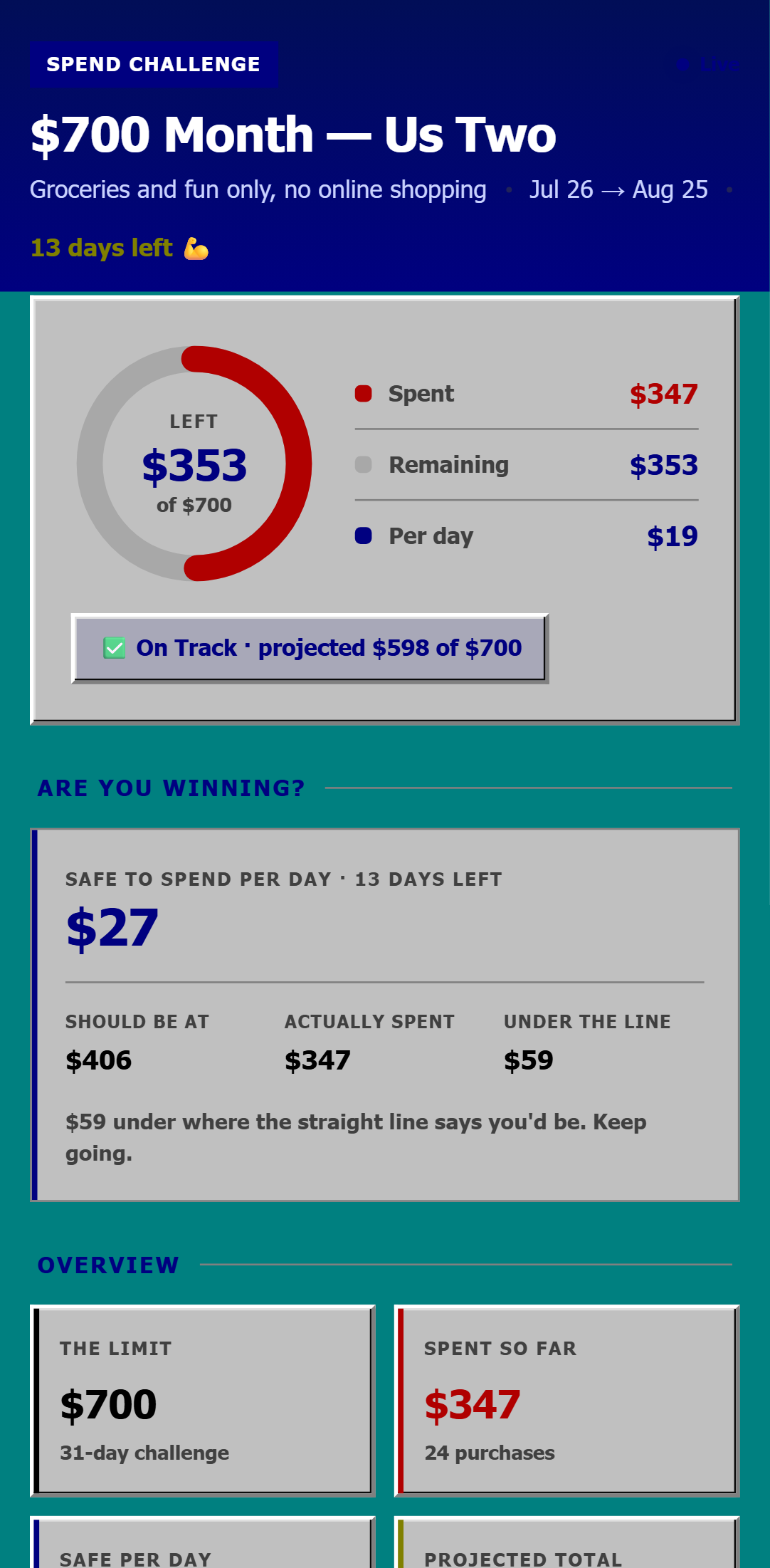
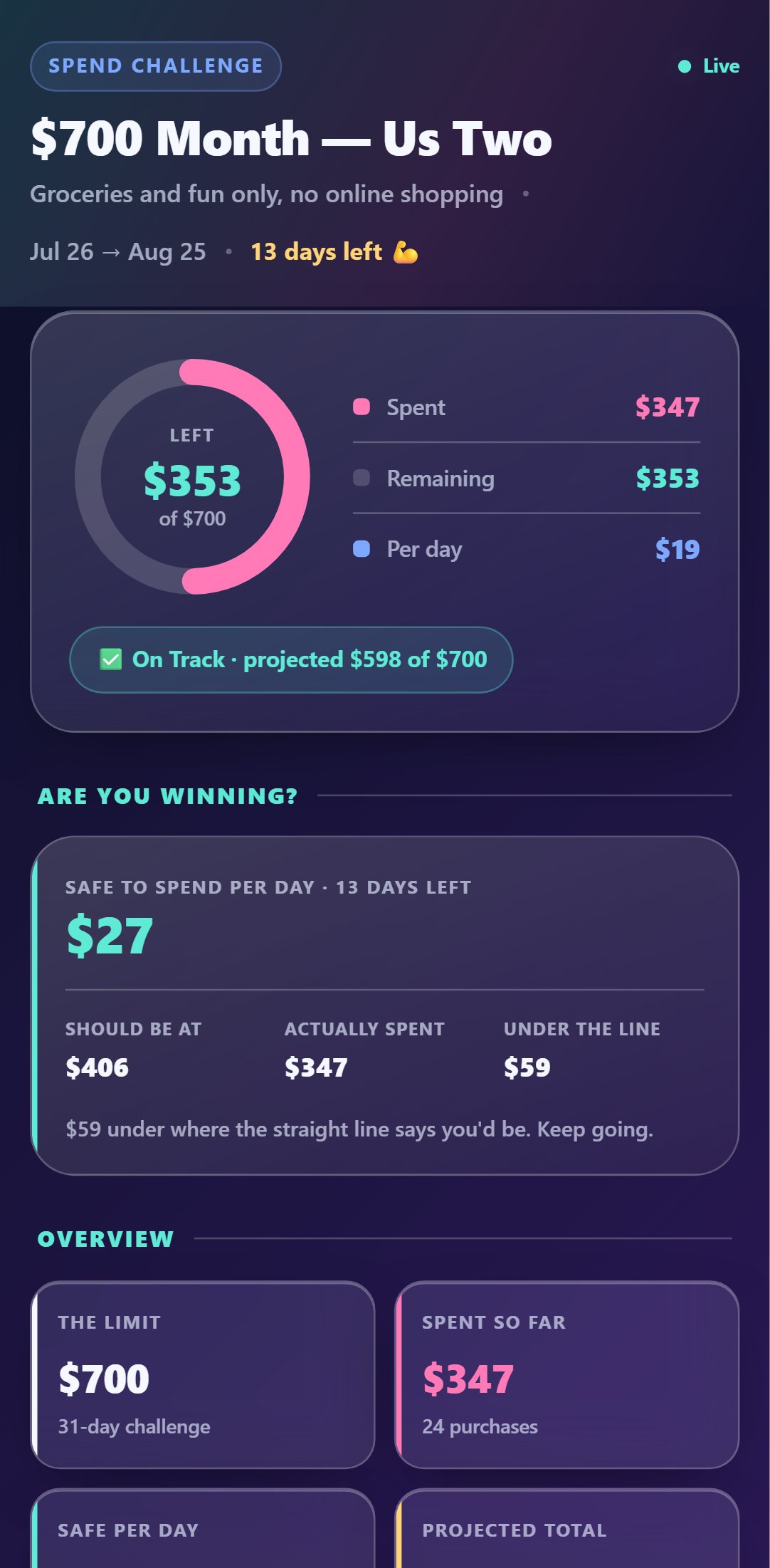
The dashboard does the division for you: what is left, how many days remain, and the daily number that keeps you inside the limit. Plus where you sit against the straight-line pace.
- ✓Safe-to-spend-per-day, recalculated live
- ✓Ahead of or behind the pace line
- ✓Projected total if nothing changes
Both of you spend. One limit.
Invite your partner (Pro) and every purchase either of you texts counts against the same total. No reconciling at the end of the month.
- ✓Shared limit across both phones
- ✓Spend-free day streak to protect
- ✓Which weekdays quietly cost you most
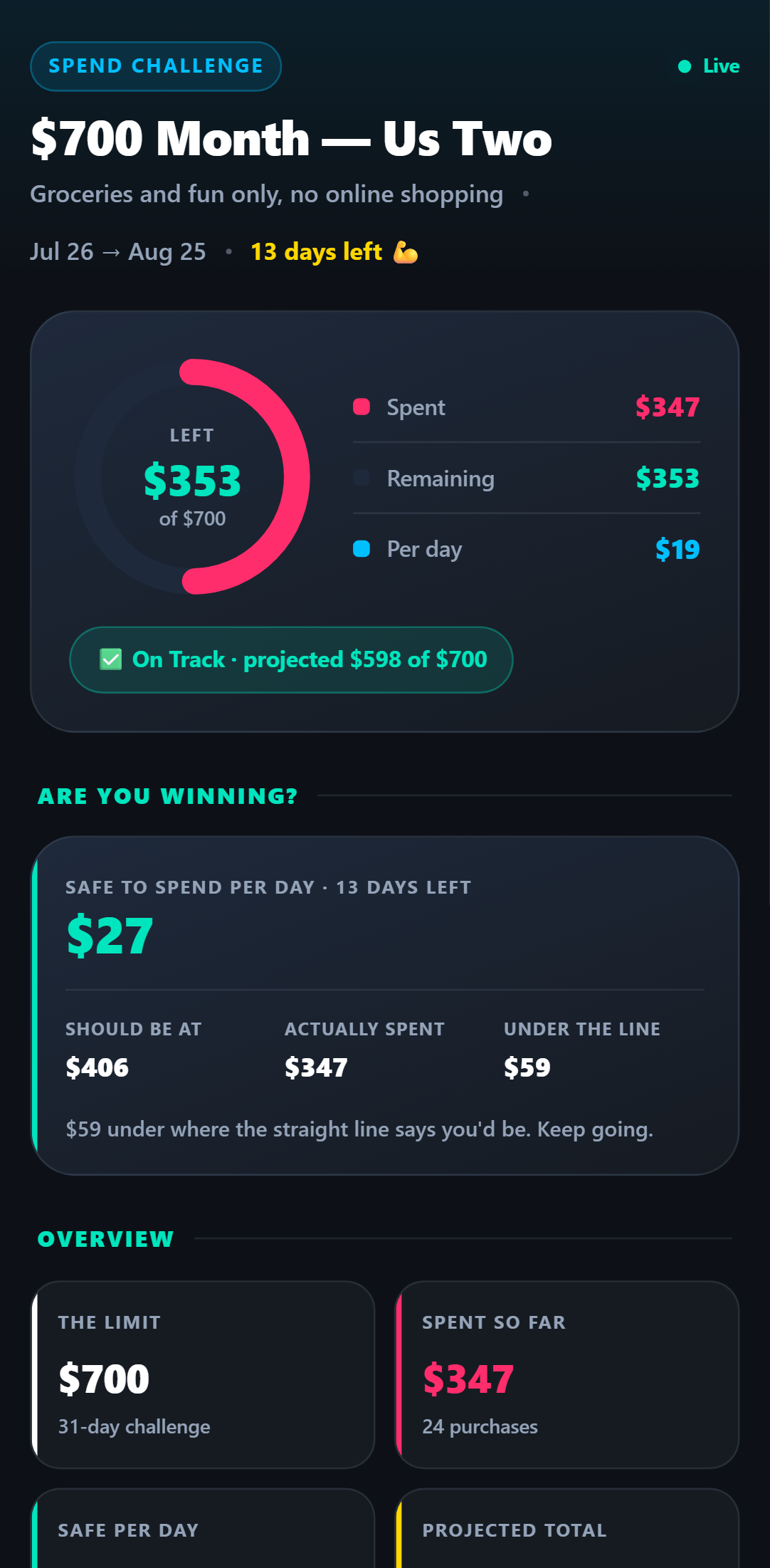
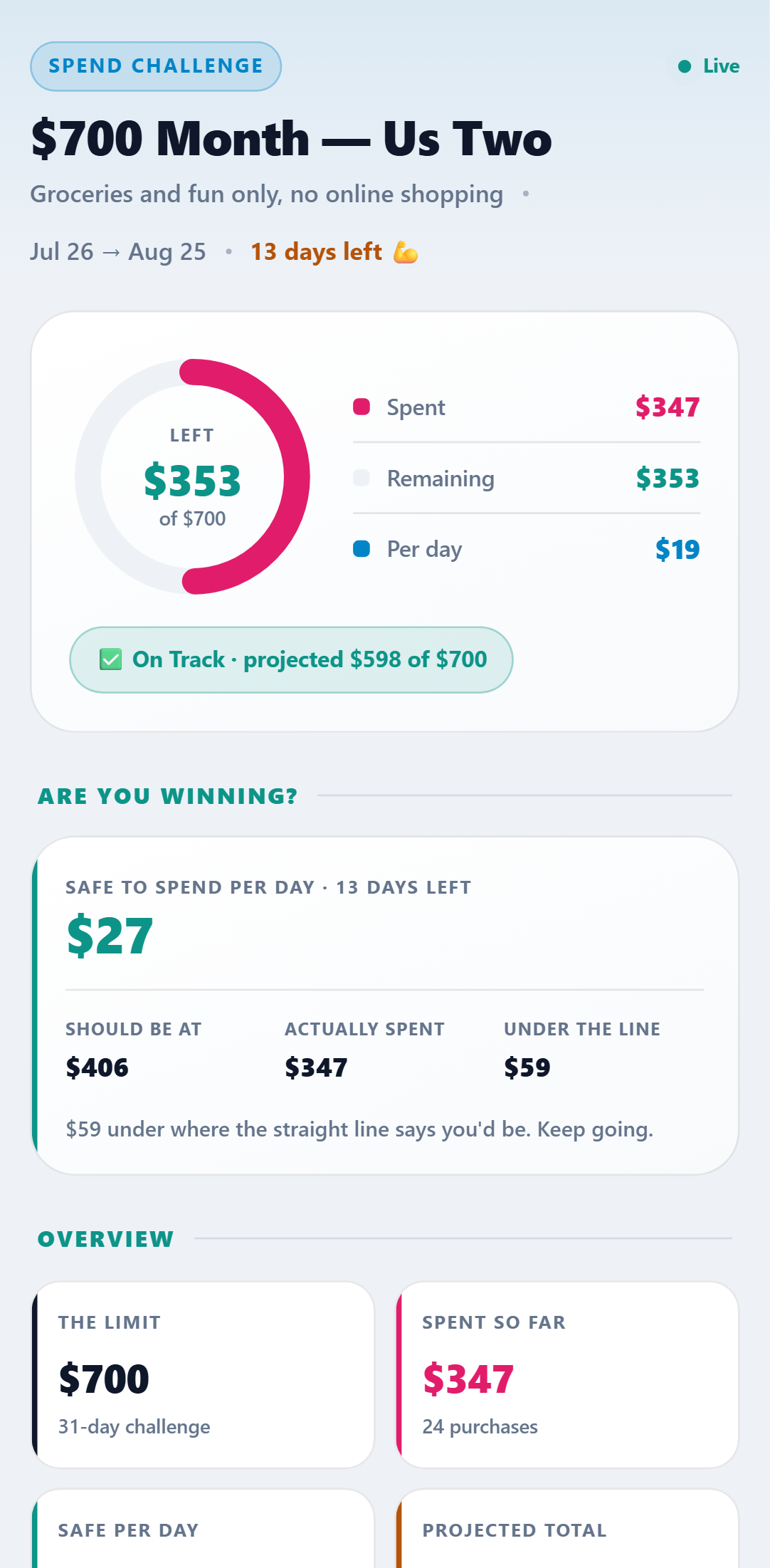
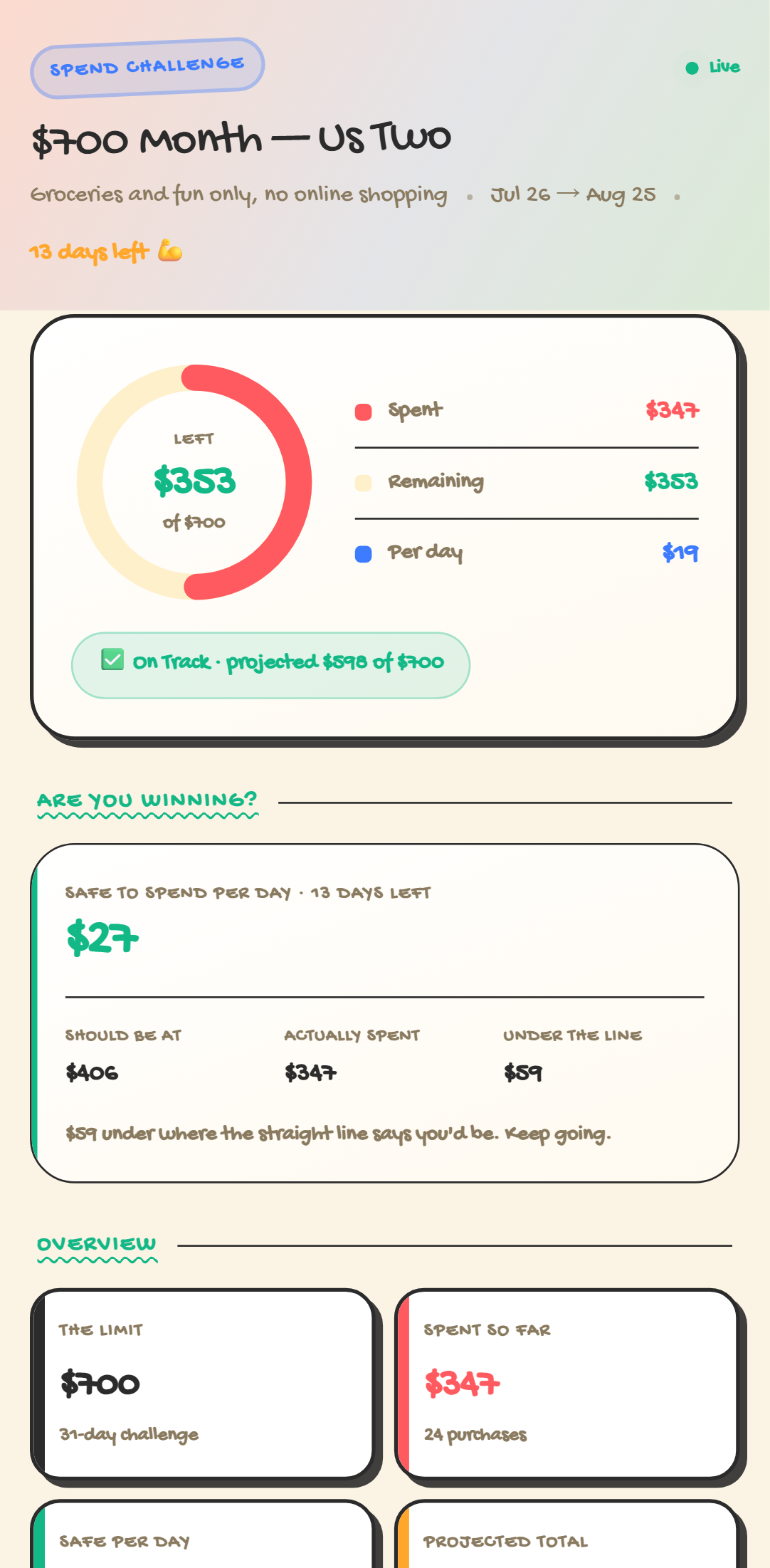
One dashboard. Five looks.
Every theme included with the template — switch anytime. Crayon, Retro 95 & Glass come with Pro.
Setup Guide
1. Add it to your account
Click Add to My Account, name the challenge, set your spend limit and the start and end dates. Your dashboard goes live straight away.
2. Link your phone
Connect your WhatsApp, SMS, or Telegram number once and reply Y to verify.
3. Text every purchase
Log spends as they happen: "Groceries $62", "Coffee $9.40". The AI categorises each one for you — no app to open.
4. Check what is safe today
Your dashboard shows the donut, what is left, the safe daily number, your spend-free streak, and which days are quietly costing you the most.
5. Challenge your partner
Add them (Pro) and they log from their own phone. Both of you spend against one shared limit, split by person on the dashboard.
Try it right now
Send one message from your own phone and watch it appear on a live Spend Challenge — the real thing, not a screenshot.