
Vacation Budget Tracker
Set a trip budget. Text every spend as you go. You and your travel partner log from your own phones — one live dashboard tracks it all. No spreadsheet required.
✅ Texts you can send
📊 What it tracks
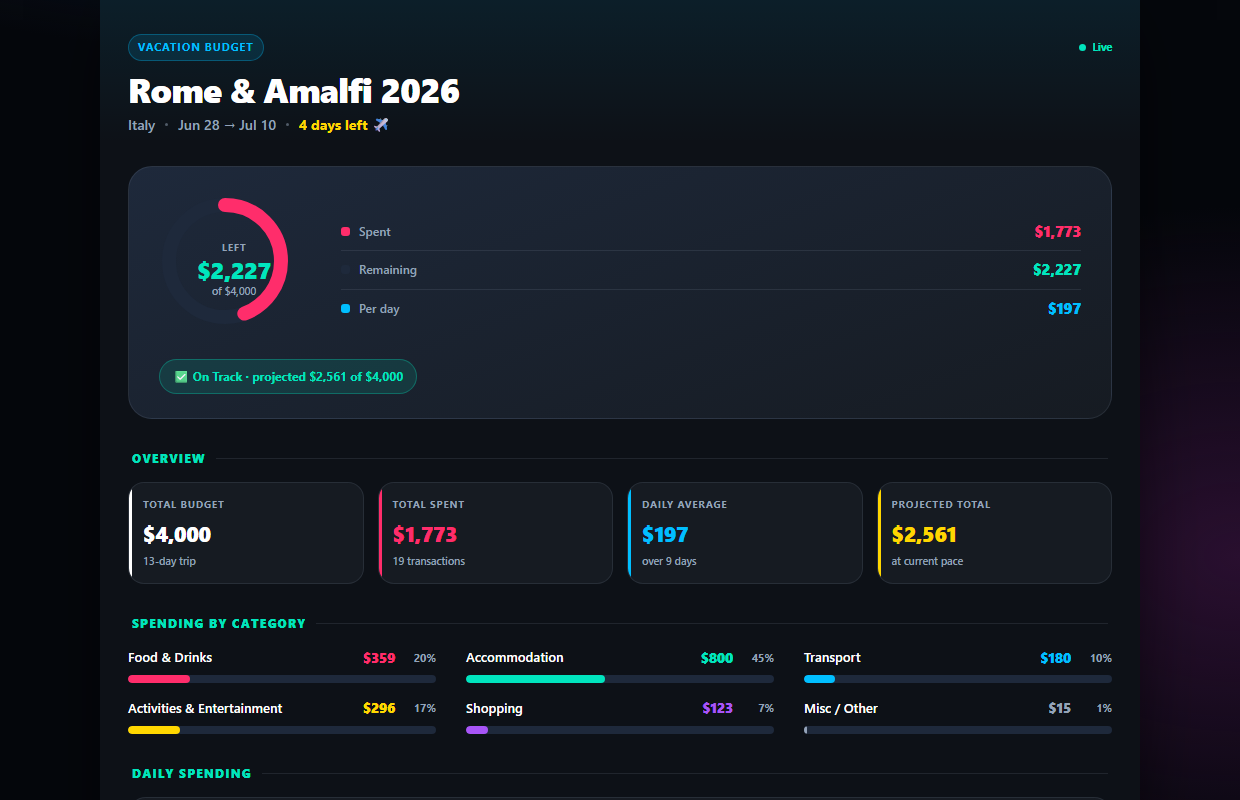
Know if the trip is on budget — live
Set your total budget and dates. Every texted expense updates your remaining balance, daily pace, and a projection of where the trip will land.
- ✓Budget gauge with remaining balance
- ✓Projected total at your current pace
- ✓Days left + daily average, updated live
Both of you log. One dashboard.
Invite your travel partner (Pro) and they text expenses from their own phone. Everything lands on the same shared dashboard, tagged with who spent it.
- ✓Partner logs from their own number
- ✓Spending split by person, automatically
- ✓Share the link with the whole travel group
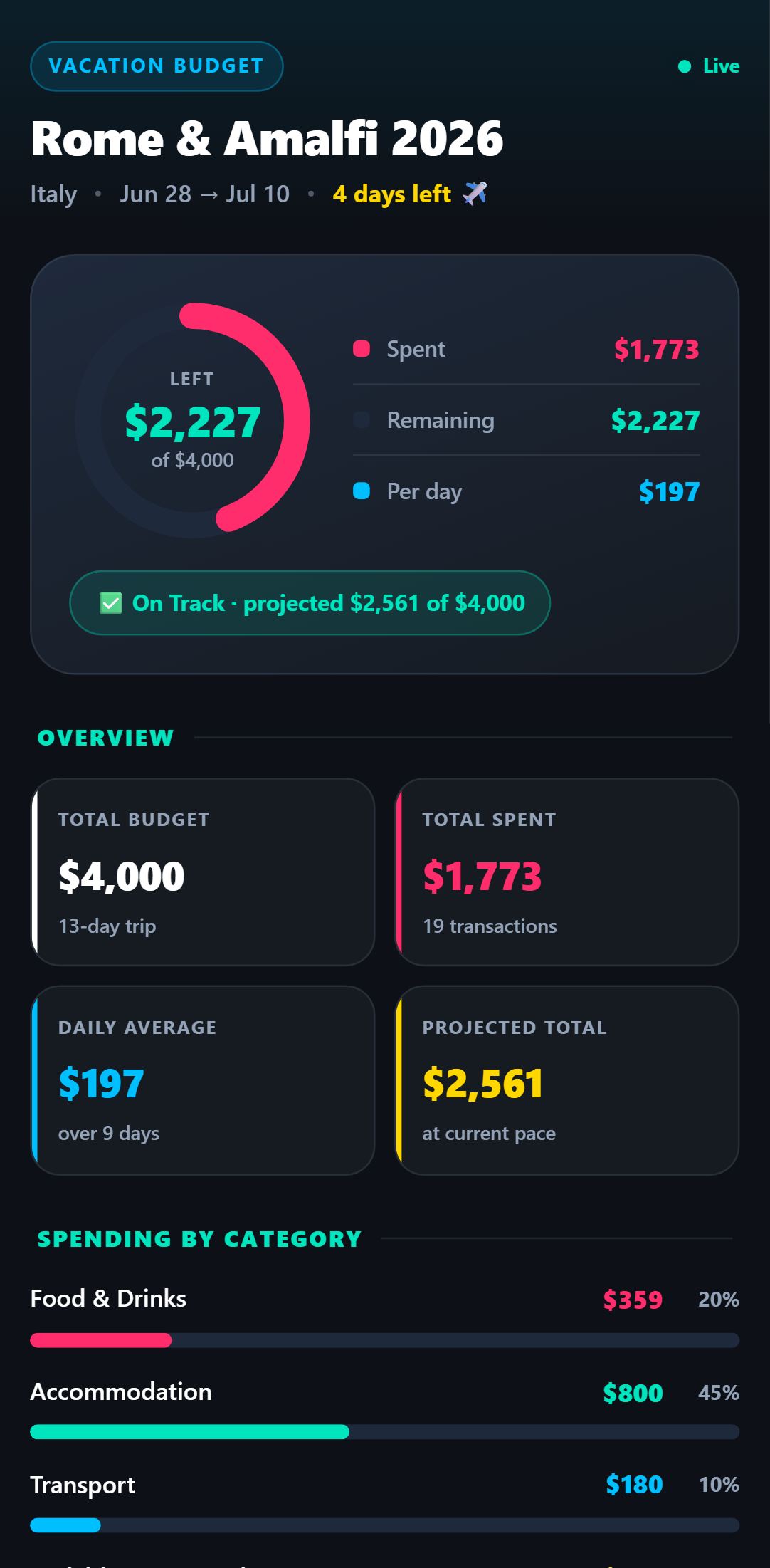
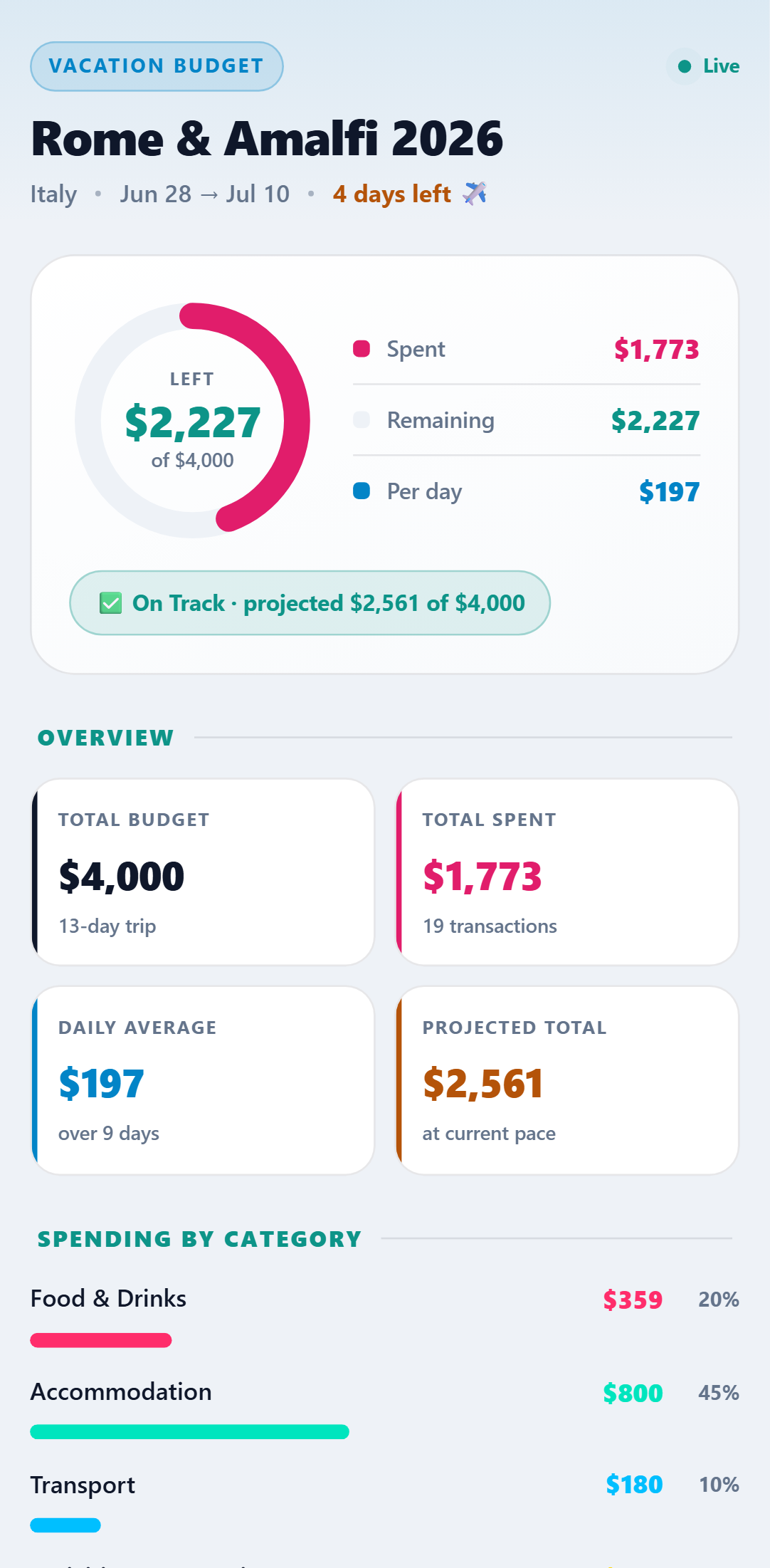
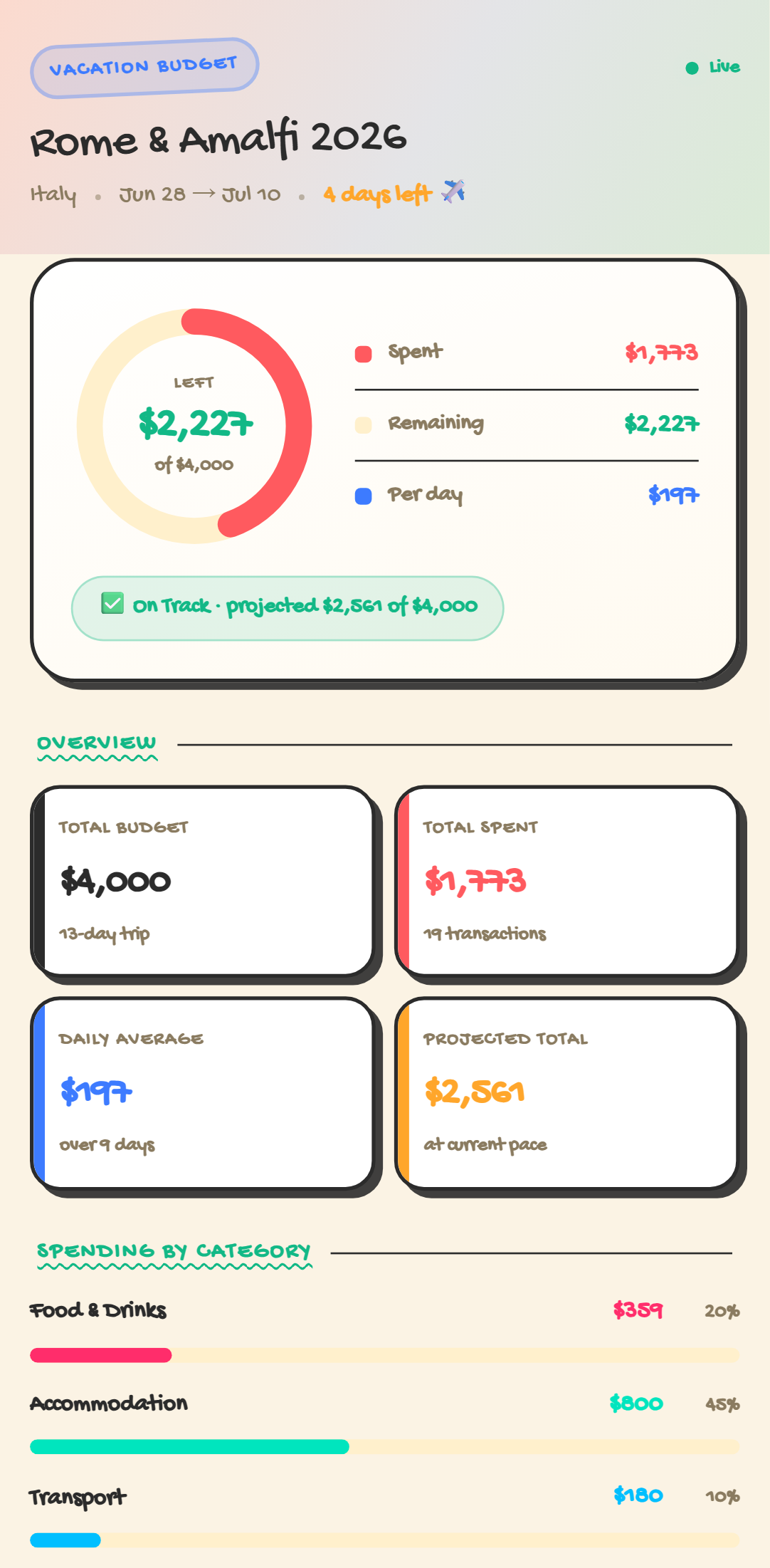
One dashboard. Five looks.
Every theme included with the template — switch anytime. Crayon, Retro 95 & Glass come with Pro.
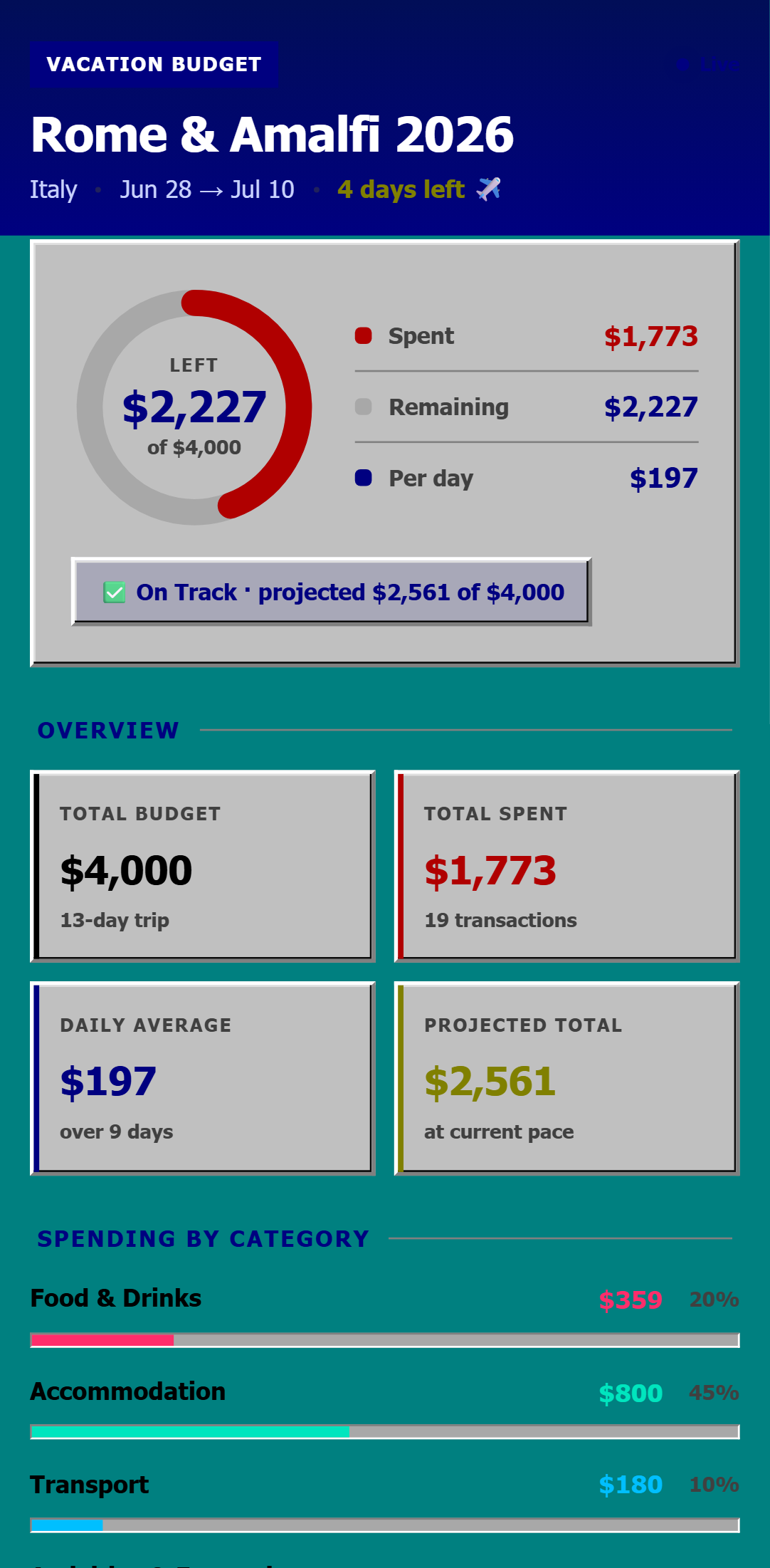
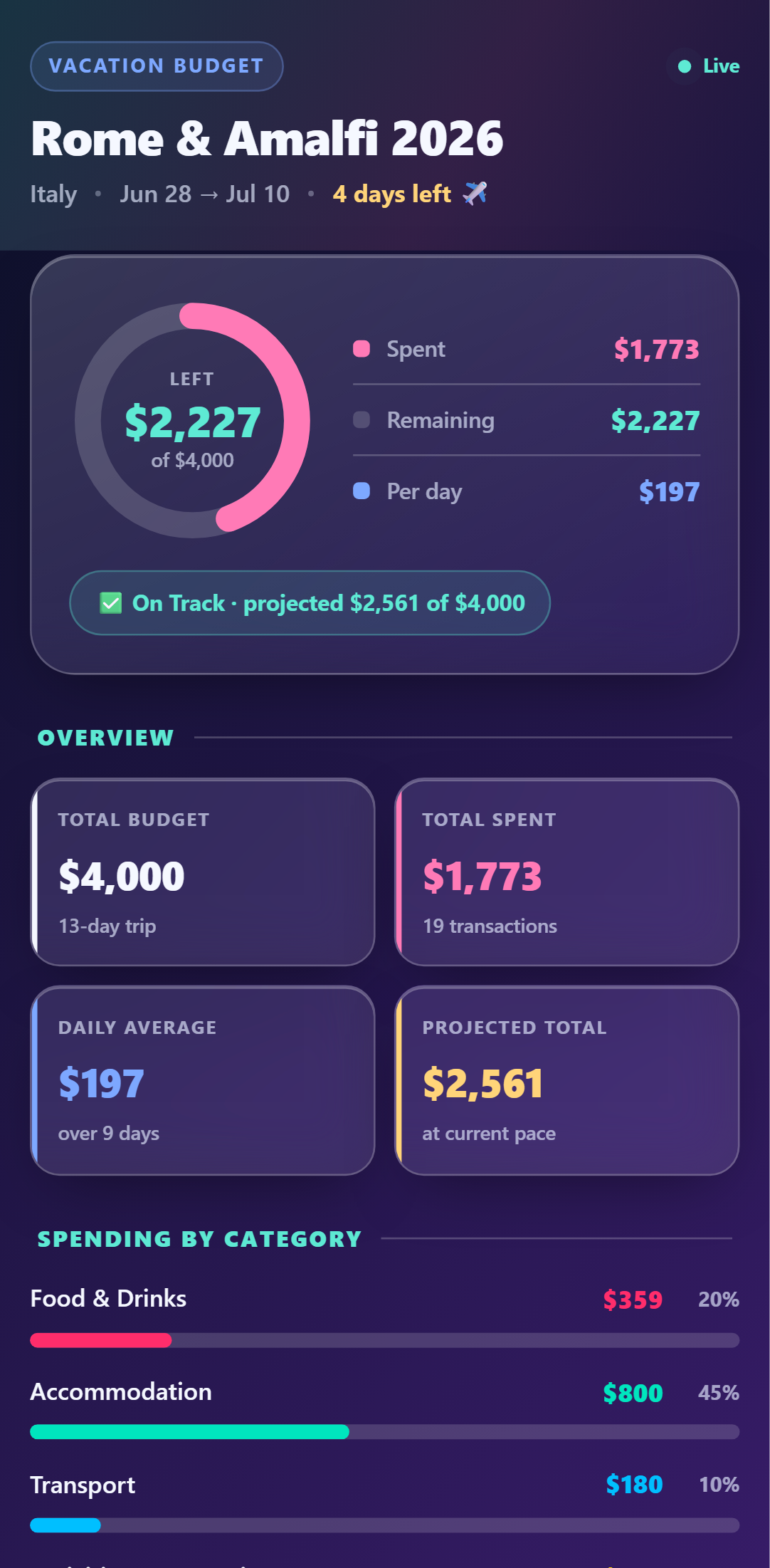
Setup Guide
1. Add it to your account
Click 'Add to My Account' below and enter your trip details — name, destination, dates, and total budget. We spin up a live dashboard for your trip instantly. No spreadsheet to copy.
2. Link your phone
Connect your WhatsApp, SMS, or Telegram number once. Reply 'Y' to the verification text and you're ready to log.
3. Start texting your spends
Text expenses naturally as you go: 'Dinner $90', 'Uber $18 to hotel', 'Museum $45 each'. The AI categorises everything for you.
4. Watch your live dashboard
Open your private dashboard link on your phone to see budget remaining, spend by category, daily pace, and every transaction — updating live as you text.
5. Add your travel partner
Your partner links their own phone number to the same trip. Their name auto-appears on each expense they log, and all spend rolls up into one shared budget.
Try it right now
Send one message from your own phone and watch it appear on a live Vacation Budget Tracker — the real thing, not a screenshot.